
Antivirus Installation & Support in Hyderabad
Protecting a computer starts with suitable security software and correct configuration. Cache Technology provides antivirus installation and support for supported computers, helping with installation, settings, updates and software-related troubleshooting based on the product and device requirements.
Experiencing active pop-ups or suspect infection? Check our virus & malware troubleshooting or learn about software & driver troubleshooting.
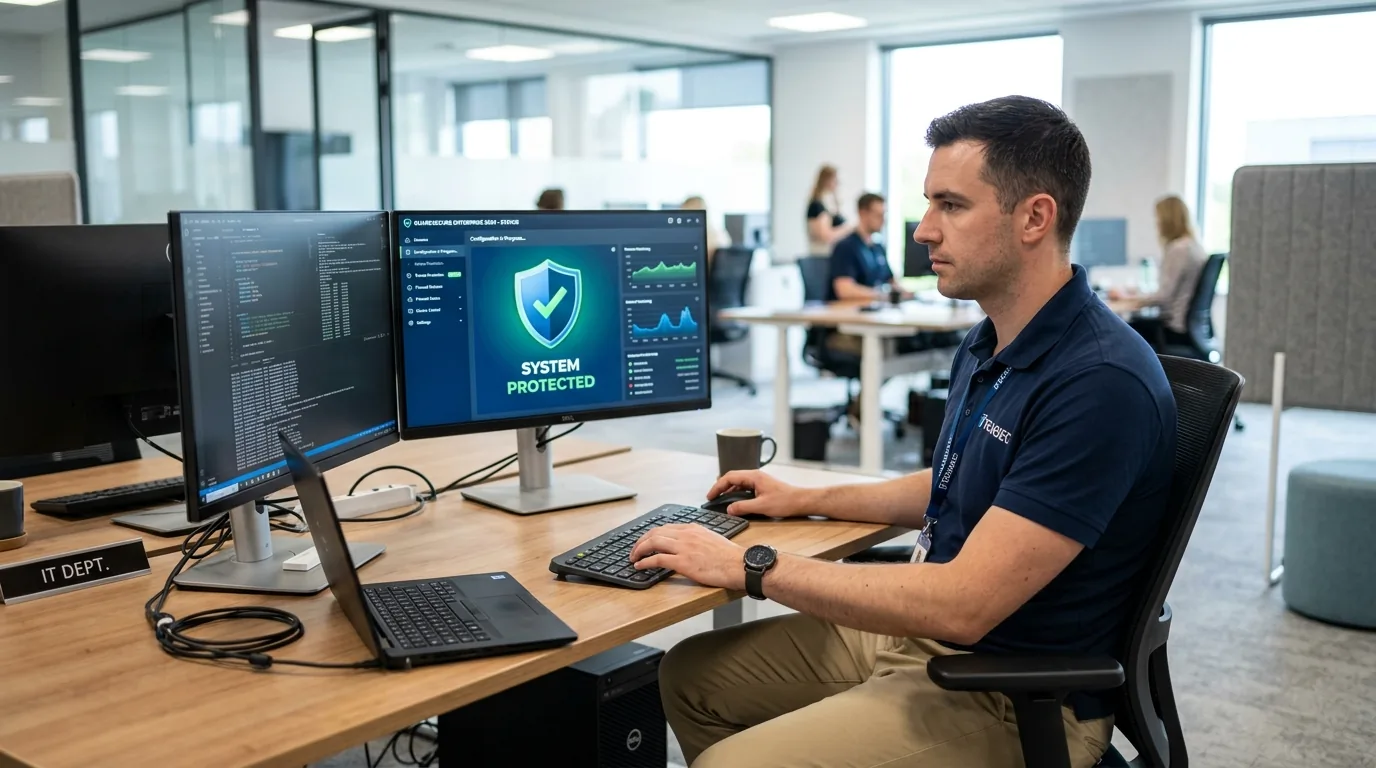
Antivirus Installation & Support Services
Professional setup, configuration, and maintenance assistance for supported cybersecurity software suites across laptops and desktop workstations.
Antivirus Installation
Assistance installing compatible antivirus software with the appropriate product and licence requirements.
Book Installation →Security Software Configuration
Help configure supported security settings based on the software's features and the user's requirements.
Enquire for Settings →Antivirus Updates and Troubleshooting
Investigate supported installation errors, update problems and configuration issues.
Check Update Issues →Security Software Compatibility
Check compatibility with the operating system and existing security software before proceeding.
Explore OS Environment →Why Security Software Setup Matters
Antivirus software is one part of a broader security approach. It does not guarantee complete protection against every threat, but proper configuration ensures system performance and reliability.
Keeping supported security software updated with current threat definitions.
Reviewing real-time scanning, web protection, and firewall settings.
Avoiding conflicting security installations that can throttle system speed.
Understanding product activation, genuine licences, and subscription terms.
Pre-Setup Security Software Checklist
Considerations before configuring new protection software on laptops and business workstations.
- Confirm the exact operating system build and installed service packs.
- Identify any pre-existing or expired trial security software requiring removal.
- Verify available license credentials or product key documentation.
- Check system memory and background performance requirements.
- Review network and printer sharing settings to avoid firewall conflicts.
Important Note: Security Perspective: Antivirus software is an essential protective layer, but no security software provides 100% immunity against every cyber threat or physical risk. Practicing safe browsing and maintaining regular data backups remain vital.
Our Installation Process
A four-step deployment process to confirm compatibility, establish protection, and verify operational stability.
Understand Your Requirements
Identify the device and security software requirements.
Check Compatibility
Confirm operating system and licence considerations.
Install and Configure
Complete the agreed setup.
Verify the Setup
Check that the software is functioning and updating as expected.
Frequently Asked Questions
Verified answers about antivirus installation in hyderabad, service procedures, and technical considerations.
Cache Technology provides antivirus installation and related software support for supported computers. The available options depend on software compatibility, licence requirements and the agreed service scope.
Licence requirements depend on the security product and its plan. Some products offer free versions, while others require a paid subscription or activation. Confirm the product and licence terms before installation.
Supported antivirus update issues can be assessed. Possible causes include connectivity problems, software configuration, licence status or product-specific issues. The appropriate next step depends on the findings.
Running multiple real-time antivirus products can create conflicts or affect performance. The suitable setup depends on the operating system and existing security software. Review the current configuration before installing another product.
Contact Cache Technology through the existing enquiry form, online booking and enquiry form. Share your computer model and security software requirements so the appropriate support can be discussed.
Visit CACHE Technology in Hyderabad
Find our service location in Begumpet, Hyderabad. Contact our team for assistance with repairs, diagnostics, and IT hardware support.
CACHE Technology Diagnostic Center
Related Technical & Hardware Services
Explore connected technical disciplines across software, security, data protection, and hardware diagnostics in Hyderabad.