
Keyboard & Peripheral Repair in Hyderabad
Facing unresponsive keys, a damaged laptop keyboard, typing issues or problems with your computer accessories? Cache Technology provides keyboard diagnostics, repair and replacement assistance, along with troubleshooting for supported computer peripherals. We help identify the issue and recommend a suitable solution based on the device, fault and component availability.
Looking for broader hardware support? Explore our Laptop Repair in Hyderabad or complete Desktop Computer Repair options.
Keyboard and Computer Peripheral Repair Services
Keyboards and computer peripherals are essential for everyday work, communication and productivity. Unresponsive keys, damaged connections, typing errors or accessories that stop working can interrupt normal computer use. Identifying whether the fault lies with the accessory, connection, settings or computer helps determine the appropriate next step.
Laptop Keyboard Repair
Get assistance with laptop keyboards experiencing unresponsive keys, repeated characters, stuck keys, typing problems or physical damage. Depending on the model and fault, the appropriate solution may involve troubleshooting, repairing a connection or replacing the keyboard assembly.
Explore Laptop Repair →Laptop Keyboard Replacement
If a laptop keyboard is physically damaged or cannot be restored through appropriate troubleshooting, replacement may be considered. Compatibility, keyboard layout, device construction and parts availability must be checked before confirming the work.
Book a Repair →Desktop Keyboard Troubleshooting
Get assistance with desktop keyboards that fail to respond, disconnect intermittently, produce unexpected input or experience connection-related problems. Troubleshooting may include checking the keyboard, cable, USB port, wireless connection or relevant settings.
Book a Repair →Computer Peripheral Support
Get assistance diagnosing supported computer peripherals, including computer mice and other compatible input devices. Problems may involve connectivity, cables, ports, configuration or the peripheral itself.
Explore Hardware Services →Common Keyboard and Peripheral Issues We Help Diagnose
A keyboard or peripheral that stops working may have a hardware fault, a connection issue, a configuration problem or a problem with the computer itself. A suitable diagnosis helps distinguish between these possibilities.
Unresponsive Keyboard Keys
Some keys or the entire keyboard fail to register input during normal use.
Stuck or Repeating Keys
A key remains pressed, feels physically stuck or produces repeated characters while typing.
Laptop Keyboard Damage
Physical damage, liquid exposure or worn components may affect keyboard functionality. The device should be assessed before deciding on repair or replacement.
Keyboard Not Detected
The computer does not recognise a connected keyboard or the keyboard stops responding intermittently.
Computer Mouse Not Working
A mouse may fail to respond because of a connection, battery, USB port, wireless pairing or device-related problem.
Peripheral Connectivity Issues
Supported input devices may disconnect unexpectedly or fail to work because of cables, ports, compatibility or configuration issues.
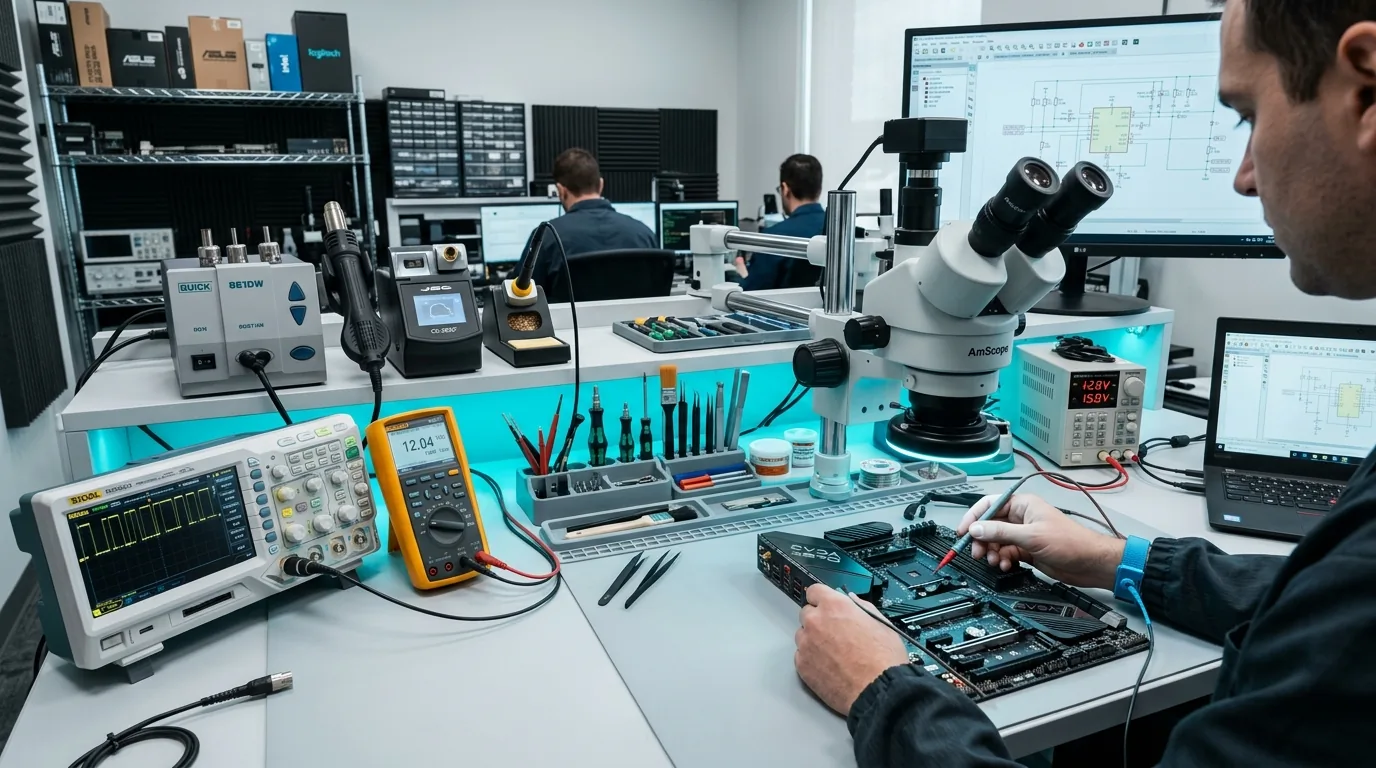
Should You Repair or Replace Your Keyboard?
The right solution depends on the type of keyboard, the nature of the fault and the condition of the device. Some problems can be resolved by checking connections, settings or related components. Physical damage or certain internal faults may require keyboard replacement.
For external keyboards and computer peripherals, the most appropriate option may depend on whether the problem is caused by the accessory, its connection or the computer.
Cache Technology can assess supported devices and recommend a suitable next step based on the diagnosis, compatibility and parts availability.
Our Keyboard & Peripheral Repair Process
We follow a straightforward four-step process to evaluate key actuation, connection reliability, and hardware stability.
Share the Problem
Tell us the device type, model and symptoms, including which keys or accessories are affected.
Diagnose the Fault
Check the keyboard, connection, relevant settings or peripheral components as appropriate.
Recommend a Solution
Explain the appropriate troubleshooting, repair or replacement option based on the findings.
Repair & Verify
Complete the agreed work and check the relevant keyboard or peripheral functions.
Your Computer Keyboard & Peripheral Support Partner
With engineering heritage dating back to 1992 in Hyderabad, Cache Technology delivers dependable input device diagnostics and hardware support.
Frequently Asked Questions
Common questions answered regarding laptop keyboard repair, key replacement and computer peripheral troubleshooting in Hyderabad.
Cache Technology provides keyboard troubleshooting, repair and replacement assistance for supported laptops and computer setups. The appropriate solution depends on the keyboard type, the fault, device compatibility and component availability.
Yes, supported laptop keyboard problems can be assessed to determine whether troubleshooting, a connection-related repair or keyboard replacement is appropriate. The recommendation depends on the device model and the cause of the problem.
Incorrect or repeated input may result from stuck keys, physical damage, configuration or software issues, connection problems or a hardware fault. The cause should be identified before deciding whether repair or replacement is necessary.
Cache Technology provides support for relevant computer hardware and supported peripherals, including computer input devices. The available service depends on the device, the nature of the fault and whether a suitable repair is possible.
The cost depends on the device model, keyboard type, nature of the fault and whether repair or replacement is required. Contact Cache Technology with your device details to discuss the assessment and applicable cost.
Visit CACHE Technology in Hyderabad
Find our service location in Begumpet, Hyderabad. Contact our team for assistance with repairs, diagnostics, and IT hardware support.
CACHE Technology Diagnostic Center
Related Technical & Hardware Services
Cache Technology provides specialized hardware servicing across computing and display devices throughout Hyderabad.