
Computer Internal Cleaning & Preventive Maintenance in Hyderabad
Dust accumulation, restricted airflow and cooling-system issues can affect your computer's temperature and everyday performance. Cache Technology provides internal cleaning and preventive maintenance assistance for supported laptops, desktop computers and workstations. We help identify maintenance needs and recommend suitable care based on the device's condition.
Experiencing unusual device faults as well? Explore our computer hardware diagnostics, dedicated laptop repair in Hyderabad, or on-site laptop repair at your location.
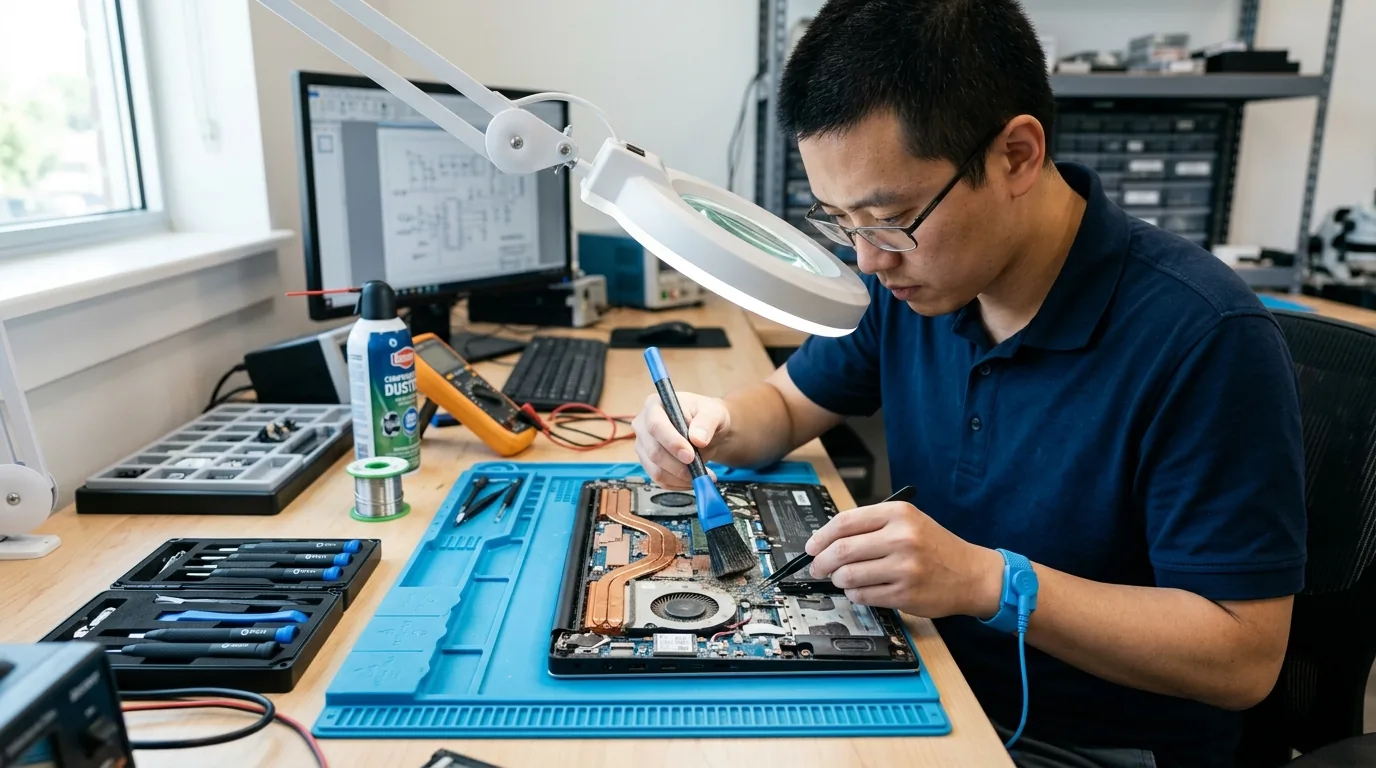
Internal Computer Cleaning for Laptops, Desktops & Workstations
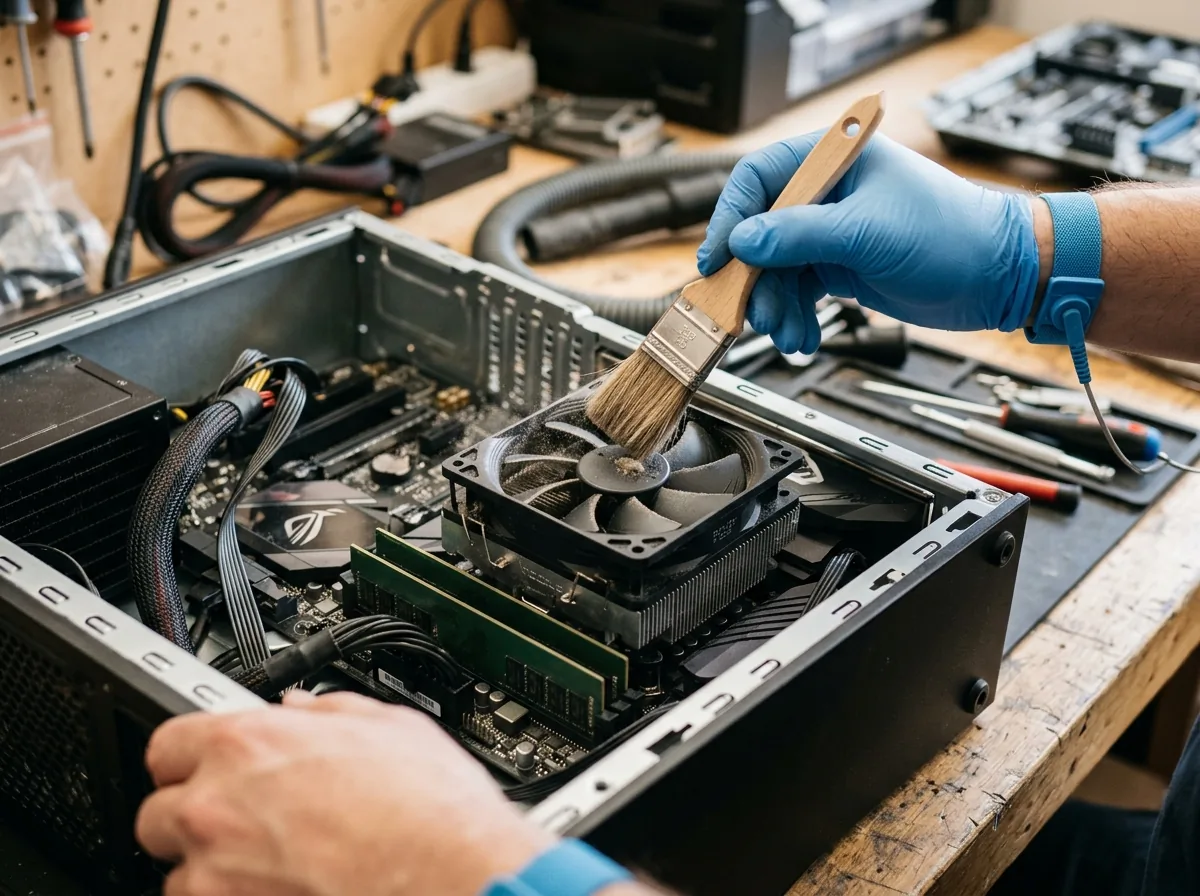
Internal cleaning focuses on removing accumulated dust and inspecting accessible cooling components to help maintain airflow. The appropriate cleaning procedure depends on the device's design, condition and maintenance requirements.
Laptop Internal Cleaning
Dust can accumulate around laptop fans, vents and cooling assemblies. Internal cleaning may help address dust-related airflow restrictions when performed appropriately for the device.
Book a Maintenance Service →Desktop Computer Cleaning
Desktop systems can accumulate dust around case fans, ventilation openings, heatsinks and other internal components. Cleaning can help maintain airflow and make it easier to identify visible maintenance concerns. For broader tower support, explore our desktop computer repair solutions.
Explore Desktop Repair →Workstation Internal Maintenance
Supported workstations may require internal cleaning and inspection to help maintain cooling and reliable everyday operation. The maintenance procedure should account for the system's design and operating requirements. Learn more about our dedicated workstation repair services.
Explore Workstation Repair →Cooling System Inspection
Inspect relevant fans, vents and accessible cooling components for dust accumulation, visible obstruction or unusual operating symptoms. Further assessment may be necessary if a fan is damaged or overheating continues after cleaning. When faults persist, consider comprehensive computer hardware diagnostics.
Book an Inspection →Maintenance Advisory: We do not imply that every overheating problem can be resolved through cleaning alone. Faulty bearings, electronic failures, or software load issues may require further technical assessment.
Common Signs Your Computer Needs Internal Maintenance
Regular observation can help identify when a computer may need cleaning or further inspection. These symptoms can have several causes, so cleaning should not be presented as a guaranteed solution for every performance or temperature issue.
The cooling fan runs loudly or more frequently than usual. Dust, airflow restrictions or a fan fault may contribute.
The laptop or desktop becomes unusually warm during everyday tasks. The cooling system and other possible causes may need inspection.
Visible dust around ventilation openings may indicate that internal areas also need assessment.
Blocked or dusty vents may interfere with the movement of air through the device.
A device slows down during demanding tasks. Overheating can be one possible cause, but software and other hardware issues must also be considered.
A computer used frequently in dusty or demanding environments may benefit from an assessment of its cleaning and maintenance needs.
A Practical Approach to Computer Preventive Maintenance
Preventive maintenance helps identify potential hardware concerns before they develop into more disruptive problems. The appropriate checks depend on the device, its operating environment and the service requested.
Maintenance may include:
- Inspection of accessible ventilation openings and cooling components.
- Removal of internal dust where appropriate and safe for the device.
- Visual inspection of relevant fans and accessible internal components.
- Identification of unusual fan noise or visible damage.
- General observation of temperature-related symptoms.
- Recommendations for further diagnosis when a fault is suspected.
Only tasks appropriate and safe for the specific device are carried out. We assess actual conditions before recommending any component work.
Does Your Computer Need Cleaning or a Repair?
Internal cleaning addresses dust accumulation and certain maintenance needs. It does not automatically resolve faulty fans, damaged components, software problems or every overheating issue.
If unusual heat, unexpected shutdowns or excessive noise continues after cleaning, additional hardware diagnostics may be needed to identify the cause.
Preventive Cleaning
Suitable when the device requires dust removal, airflow maintenance or routine internal inspection.
Book a Maintenance Service →Hardware Diagnostics
Suitable when the device shows persistent overheating, unexplained shutdowns, unusual mechanical noise or other symptoms that may indicate a fault.
Explore Hardware Diagnostics →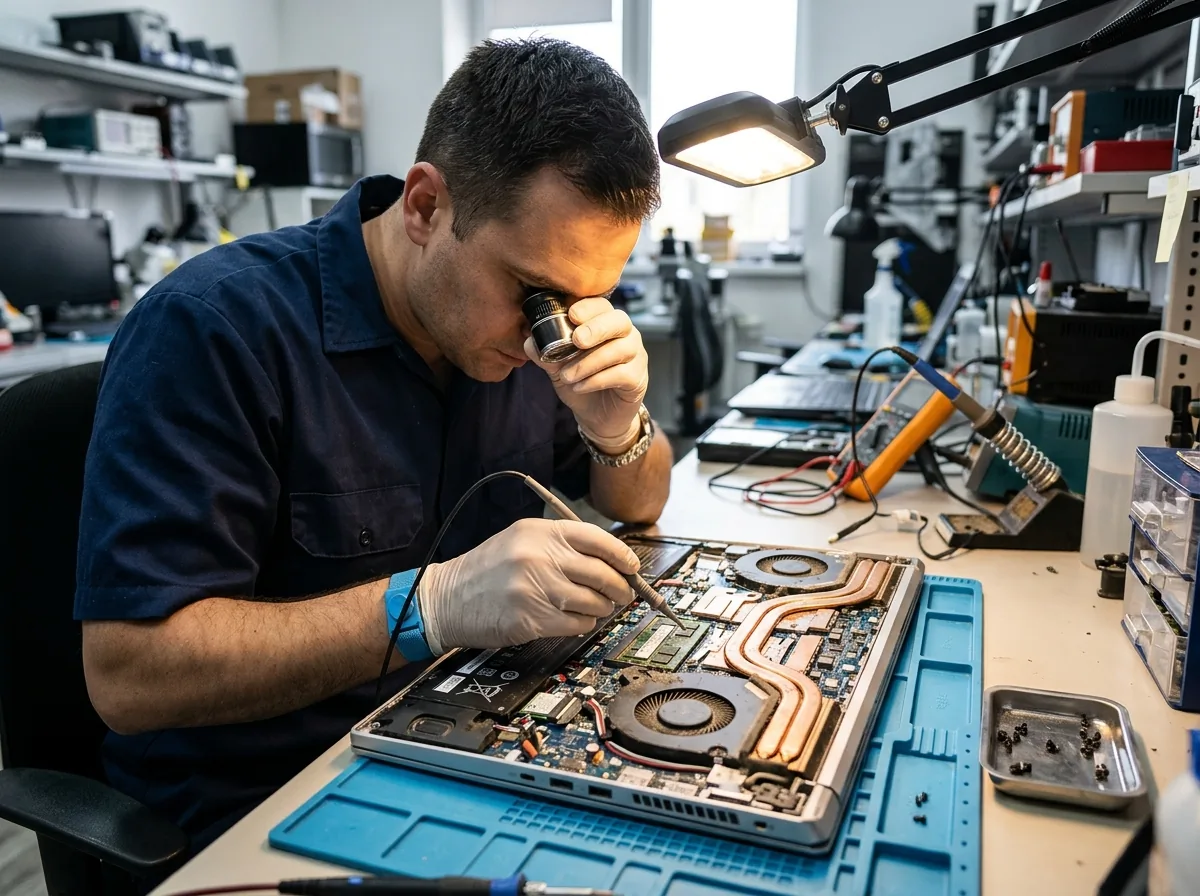
Our Internal Cleaning & Maintenance Process
Follow our practical four-step workflow designed to evaluate cooling systems and perform careful cleaning.
Share Your Device Details
Provide the device type, model and any symptoms you have noticed.
Inspect Maintenance Needs
Assess the device and identify relevant cleaning or inspection requirements.
Confirm the Service
Explain the proposed maintenance work and any additional checks that may be necessary.
Complete & Verify
Carry out the agreed maintenance and check relevant accessible components and airflow.
Note: We do not promise a fixed service duration or a guaranteed reduction in temperature.
Computer Maintenance Support in Hyderabad
Serving the computing community across Hyderabad with honest assessments and meticulous hardware maintenance.
Established Hyderabad Heritage Since 1992
An established Hyderabad business with a history dating back to 1992, consistent with existing company information.
Multi-Device Maintenance Experience
Support for relevant laptop, desktop and workstation maintenance requirements.
Careful Observation & Symptom Evaluation
Attention to device condition and cooling-related symptoms before proceeding.
Factual & Transparent Recommendations
Recommendations based on the observed maintenance needs rather than unneeded repairs.
Individual & Commercial Client Care
Support for individual customers and business IT requirements across Hyderabad.
Frequently Asked Questions
Clear, honest answers about internal cleaning, cooling maintenance, and preventive computer care in Hyderabad.
Dust can accumulate around fans, vents and cooling components, potentially restricting airflow. Appropriate internal cleaning can help maintain airflow, although it cannot resolve every cooling or performance problem.
Visible dust around vents, unusual fan noise or increased heat may indicate that an inspection is worthwhile. These symptoms can have other causes, so further diagnosis may be needed.
Cleaning may help if dust accumulation or restricted airflow contributes to overheating. If the problem continues, the cause may involve the fan, cooling system, software or another component.
Cache Technology supports computer hardware service requirements for supported desktops and workstations. The appropriate maintenance tasks depend on the system, its condition and the service requirements.
Contact Cache Technology through the existing enquiry form, online booking and enquiry form. Share your device model and any symptoms so the appropriate maintenance requirements can be discussed.
Visit CACHE Technology in Hyderabad
Find our service location in Begumpet, Hyderabad. Contact our team for assistance with repairs, diagnostics, and IT hardware support.
CACHE Technology Diagnostic Center
Related Computer Repair & Technical Services
Explore comprehensive computer services across diagnostics, hardware replacement, upgrades, and maintenance in Hyderabad.