
Laptop RAM & SSD Upgrade in Hyderabad
Is your computer running slowly, taking too long to start or struggling with multiple applications? A suitable RAM or SSD upgrade can improve performance on compatible devices. Cache Technology helps assess memory and storage upgrade options for supported laptops, desktop computers and workstations, based on device compatibility and your requirements.
Need comprehensive computer hardware support? Explore our Laptop Repair in Hyderabad or complete Desktop Computer Repair options.
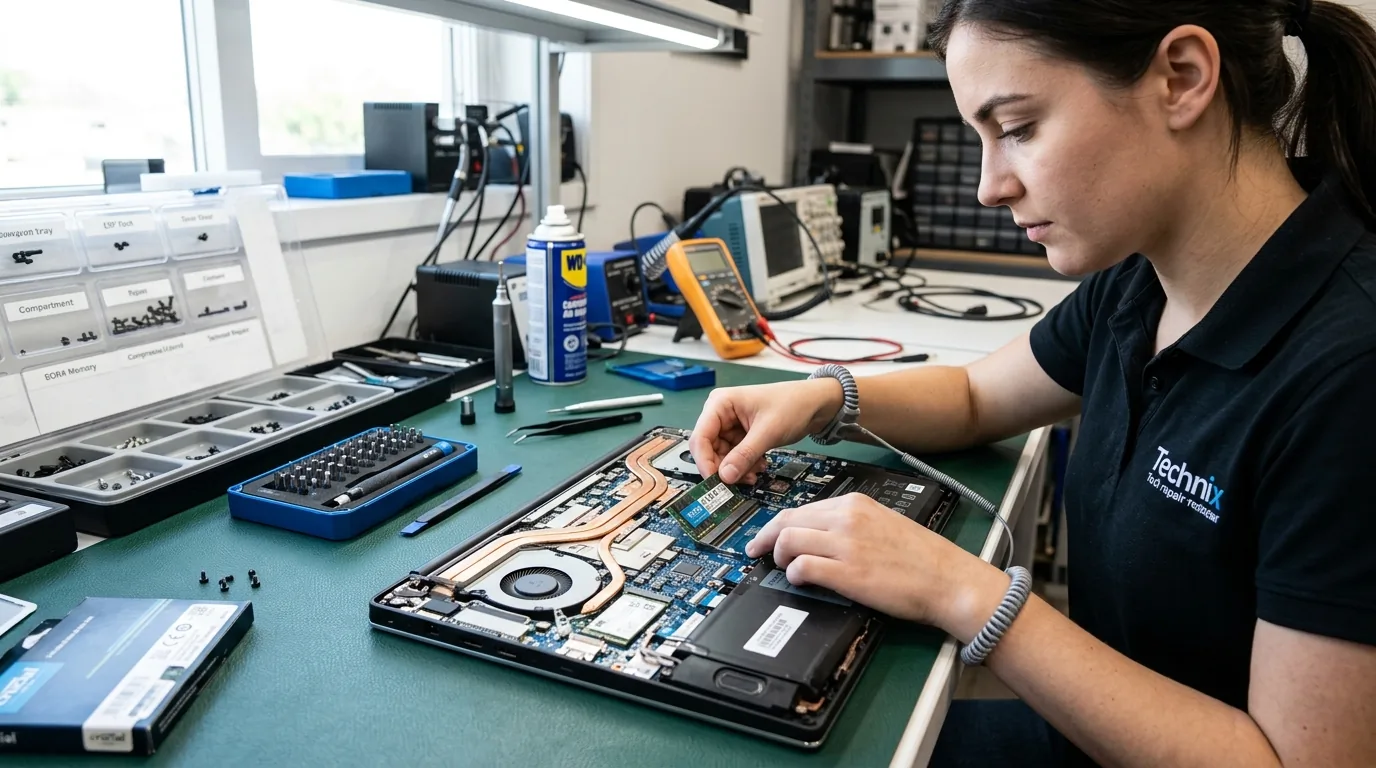
RAM and SSD Upgrades for Laptops, Desktops & Workstations
RAM and storage serve different purposes in a computer. RAM supports active tasks and multitasking, while an SSD stores the operating system, applications and files. Depending on the device and its existing configuration, upgrading one or both may improve everyday performance. Our upgrade recommendations should be based on the device's supported specifications, existing hardware and the customer's requirements.
Laptop RAM Upgrade
If your compatible laptop struggles with multitasking, slows down when several applications are open or frequently runs low on available memory, a RAM upgrade may help. We assess the supported RAM type, capacity, speed and upgrade options for the specific laptop model before recommending a suitable configuration.
Book an Upgrade Assessment →Laptop SSD Upgrade
An SSD upgrade may help compatible laptops start faster, open applications more responsively and reduce storage-related delays, particularly when replacing a traditional hard drive. We assess the available storage interface, supported drive format, capacity requirements and compatibility before recommending an upgrade.
Explore Laptop Repair →Desktop RAM & SSD Upgrade
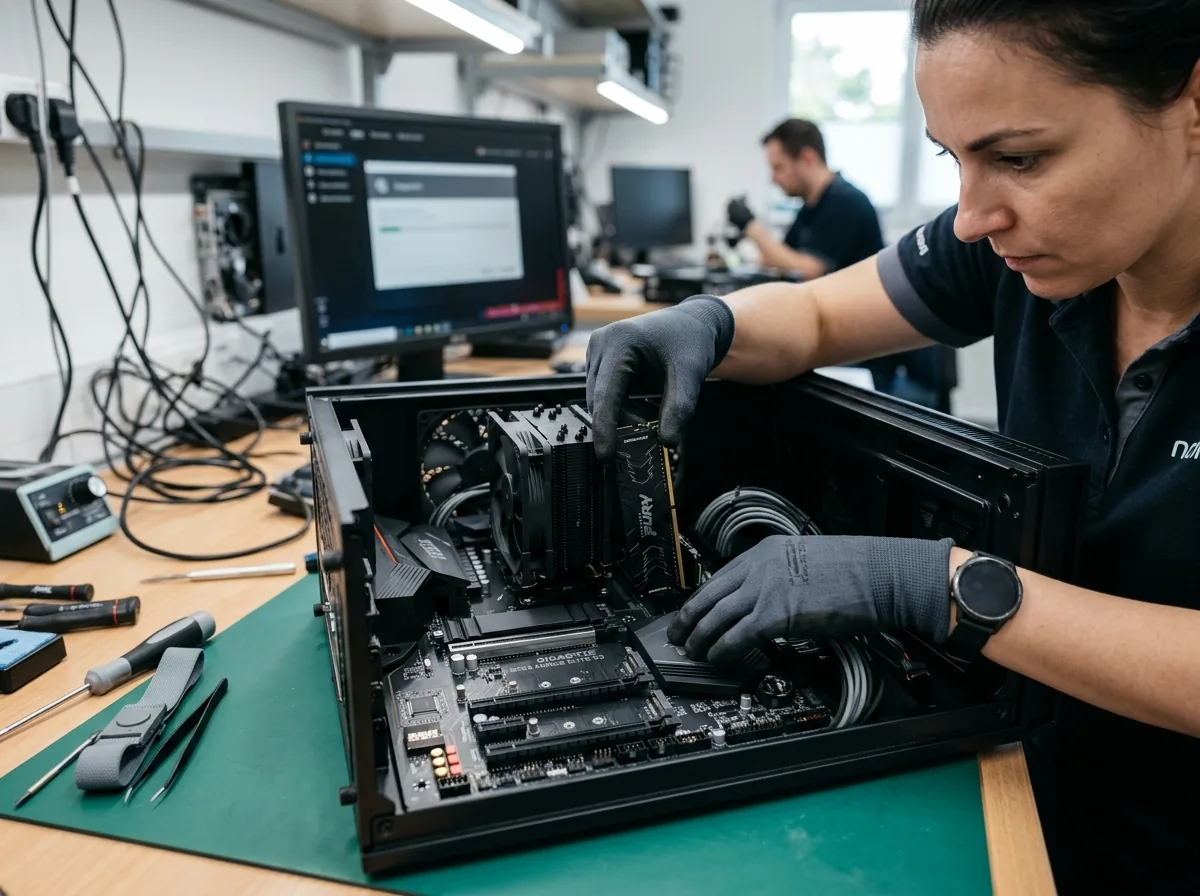
Improve the memory or storage configuration of compatible desktop computers based on their supported hardware and intended use. The upgrade may involve additional RAM, replacing an existing storage drive or adding a compatible SSD where the system supports it.
Explore Desktop Repair →Workstation Memory & Storage Upgrades
Supported workstation systems may benefit from additional memory or a suitable storage upgrade depending on their workload, current configuration and hardware limitations. We assess the system specifications before recommending compatible components.
Explore Workstation Repair →Should You Upgrade RAM or SSD?
The right upgrade depends on what is limiting your computer's performance. RAM and SSD upgrades solve different problems, so identifying your needs and checking your device specifications is important.
RAM Upgrade
RAM helps a computer manage active applications and tasks.
A RAM upgrade may be useful when:- The computer struggles with several applications running simultaneously.
- Performance slows down during memory-intensive tasks.
- The system frequently uses most of its available memory.
- The device supports additional or higher-capacity RAM.
SSD Upgrade
An SSD provides storage for the operating system, applications and files. Compared with a traditional hard drive, a compatible SSD can improve storage-related responsiveness.
An SSD upgrade may be useful when:- The computer takes a long time to start.
- Applications and files load slowly from an older hard drive.
- More storage capacity is required.
- The current storage device is slow or needs replacement.
RAM + SSD Upgrade
Depending on compatibility and budget, upgrading both memory and storage may be appropriate. However, the best option depends on the actual performance limitation and supported hardware.
Is It Time to Upgrade Your Computer's RAM or Storage?
Recognizing early performance bottlenecks helps prevent system freezes and supports timely component enhancements.
Slow Startup
A computer takes a long time to boot. An older hard drive or other system issues may contribute to this problem.
Slow Application Loading
Programs take longer than expected to open, potentially because of storage limitations or other performance bottlenecks.
Lag During Multitasking
The system slows down when several applications or browser tabs are running, which may indicate memory pressure.
Low Available Memory
Memory-intensive workloads frequently use most of the available RAM.
Insufficient Storage Space
The existing drive no longer provides enough capacity for applications, work files or other data.
Older Storage Hardware
A compatible system using a traditional hard drive may benefit from an SSD upgrade, depending on the computer's condition and configuration.
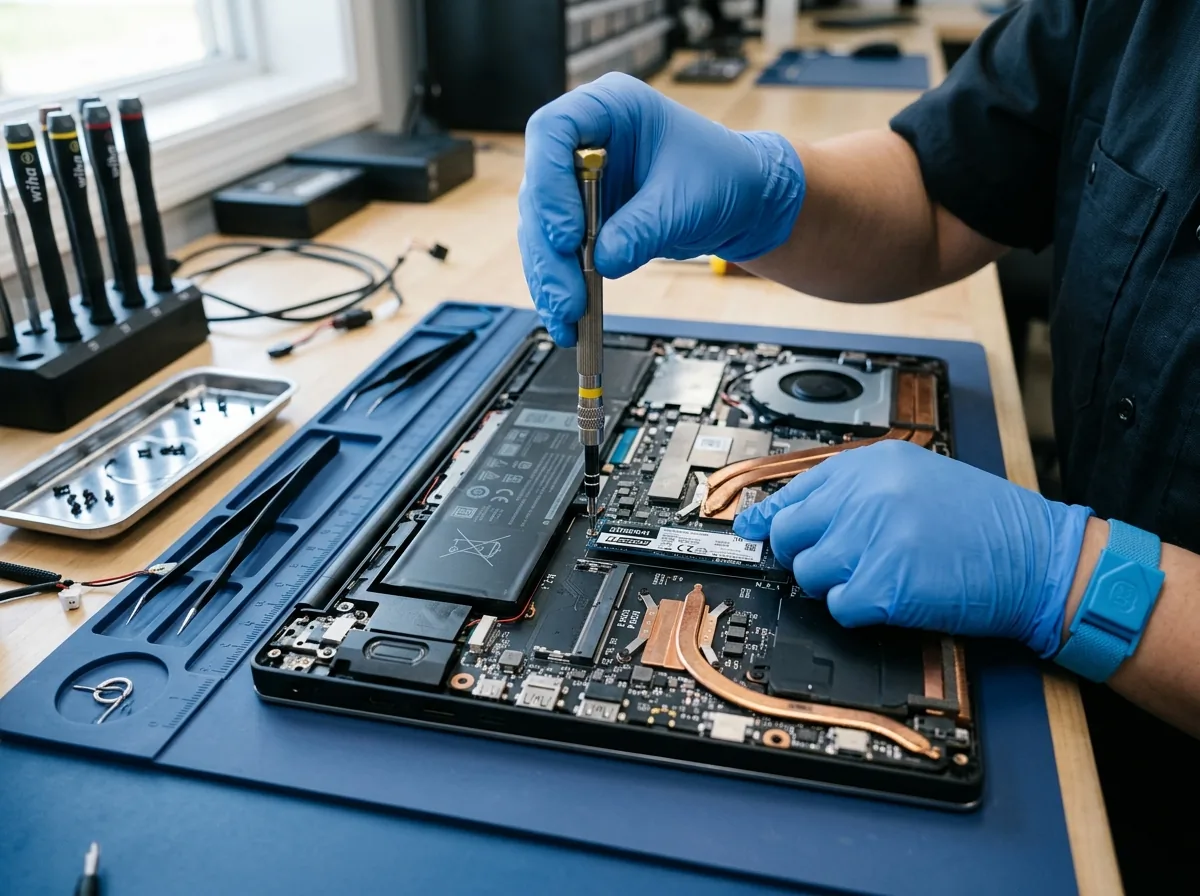
Choosing Compatible RAM and SSD Components
Not every RAM module or SSD works with every computer. Before recommending an upgrade, the device's model and hardware specifications must be checked.
Compatibility checks may include:- Supported RAM generation, capacity, speed and form factor.
- Whether memory is replaceable, expandable or soldered to the motherboard.
- Available memory slots and existing module configuration.
- SSD interface, supported drive format and physical dimensions.
- Available storage slots and supported capacity.
- Operating system, data migration and installation requirements where applicable.
The recommended upgrade should match the computer's supported specifications and the customer's actual needs. Component availability must be confirmed before the work is finalised.
Our RAM & SSD Upgrade Process
We follow a structured four-step methodology to assess hardware compatibility, verify component recognition, and ensure system stability.
Share Your Device Details
Provide your device type, model and the performance or storage issue you are experiencing.
Check Compatibility
Assess the existing hardware and identify supported memory and storage upgrade options.
Recommend the Upgrade
Explain the suitable configuration based on compatibility, requirements and component availability.
Install & Verify
Complete the agreed upgrade and perform relevant checks to verify that the installed components are recognised and functioning correctly.
Practical Computer Upgrade Support in Hyderabad
With over three decades of computer hardware expertise in Hyderabad, Cache Technology delivers genuine component matching and professional upgrade assistance.
Frequently Asked Questions
Common questions answered regarding laptop RAM expansion, SSD installation and upgrade pricing in Hyderabad.
A RAM upgrade may improve performance when the laptop is limited by available memory, particularly during multitasking. The benefit depends on the current configuration, workload and whether the laptop supports a suitable upgrade.
A compatible SSD can improve startup times and storage-related responsiveness, especially when replacing a traditional hard drive. The actual improvement depends on the existing hardware, software and overall condition of the device.
Some laptops support both upgrades, while others have soldered memory, restricted storage options or other limitations. Cache Technology can assess the model and check compatibility before recommending an upgrade.
Cache Technology provides computer hardware service support for compatible systems, including desktop computers and workstations. Available upgrade options depend on the system specifications, supported components and intended requirements.
The cost depends on the device model, compatible component specifications, required capacity and installation or data-migration requirements. Contact Cache Technology with your device details to discuss suitable options and the applicable cost.
Visit CACHE Technology in Hyderabad
Find our service location in Begumpet, Hyderabad. Contact our team for assistance with repairs, diagnostics, and IT hardware support.
CACHE Technology Diagnostic Center
Related Technical & Hardware Services
Cache Technology provides specialized hardware servicing across computing and display devices throughout Hyderabad.