
Computer Hardware Diagnostics in Hyderabad
Is your computer running slowly, shutting down unexpectedly, failing to start or showing unexplained hardware problems? Cache Technology helps assess hardware-related symptoms in supported laptops, desktop computers and workstations. Our diagnostic approach helps narrow down the possible cause and identify an appropriate next step before repair or component replacement is recommended.
Looking for comprehensive computer repair? Explore our laptop repair in Hyderabad, doorstep service with laptop repair at your location, or dedicated desktop computer repair.
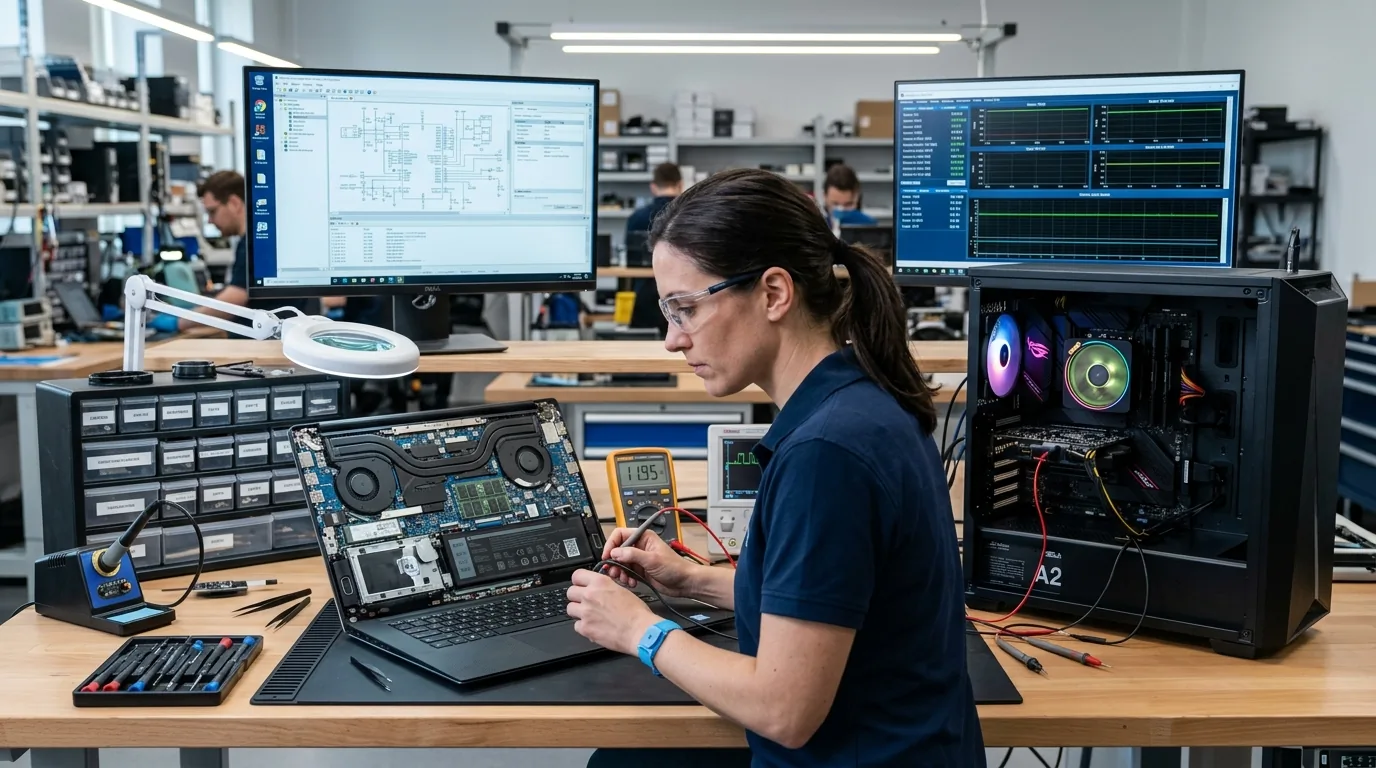
Hardware Diagnostics for Laptops, Desktops & Workstations
Computer problems can have several possible causes. A device that fails to start may have a power-related issue, a component fault or another underlying problem. Unexpected shutdowns, overheating and performance issues may also involve multiple hardware or software factors.
A structured assessment helps narrow down the possible cause before a repair or replacement decision is made.
Laptop Hardware Diagnostics
Get help assessing laptop symptoms such as failure to start, unexpected shutdowns, overheating, unusual noises or suspected internal hardware faults. The assessment should help identify possible causes and determine whether further component-specific testing is needed. Learn more about our dedicated laptop repair in Hyderabad.
Explore Laptop Repair →Desktop Computer Diagnostics
Get assistance assessing desktop computers that fail to start, freeze, restart unexpectedly or show suspected hardware-related performance problems. The relevant checks depend on the symptoms, system configuration and initial findings. Explore our desktop computer repair services.
Explore Desktop Repair →Workstation Hardware Diagnostics
Supported workstation systems may require assessment when they experience instability, startup failures, unexpected shutdowns or suspected component-related problems. Diagnosis should account for the system configuration and the intended workload. Learn more about our specialized workstation repair services.
Explore Workstation Repair →Component-Level Fault Assessment
When symptoms suggest a specific hardware problem, further assessment may be required for components such as the motherboard, memory, storage, battery, power supply, cooling system or display connections. We check components such as motherboard and chip-level repair, battery and power repair, screen and display repair, keyboard and peripheral repair, and RAM and SSD upgrade options. The affected component should not be declared faulty until sufficient checks support that conclusion.
Book a Diagnostic Assessment →Computer Problems We Help Investigate
A symptom is a starting point, not a confirmed diagnosis. The same issue can have different causes depending on the device and its configuration. Assessment helps narrow down the likely fault and identify the next appropriate step.
The device does not respond as expected when powered on. The issue may involve the power supply, battery, connections or another component.
The system switches off or restarts without warning. Possible causes include power, cooling, hardware or software-related problems.
The computer becomes unusually hot or its fans make abnormal noise. Cooling components, dust accumulation and other causes may need inspection. Consider internal cleaning and preventive maintenance when dust accumulation is observed.
The device freezes, becomes unresponsive or behaves inconsistently. The cause may involve memory, storage, temperature, software or another component.
The computer powers on but does not display an image or complete startup. Diagnosis may be needed to distinguish display, memory, power or other faults.
Devices disconnect, components behave inconsistently or hardware-related errors appear. The relevant connections, components and configuration may need assessment.
Note: We do not state that any one symptom proves a particular component is faulty until conclusive testing is completed.
What to Expect From a Computer Hardware Assessment
The diagnostic process depends on the device, symptoms and available access to the relevant components. It may involve:
- Gathering information about the symptoms and when they occur.
- Inspecting the device for visible damage or obvious connection problems.
- Checking relevant power, cooling, memory, storage or display-related components, as appropriate.
- Narrowing down possible hardware causes using suitable checks.
- Identifying when additional component-specific testing is needed.
- Recommending repair, replacement, maintenance or further assessment based on the findings.
We explain that actual checks depend on the reported problem rather than performing identical tests on every device.
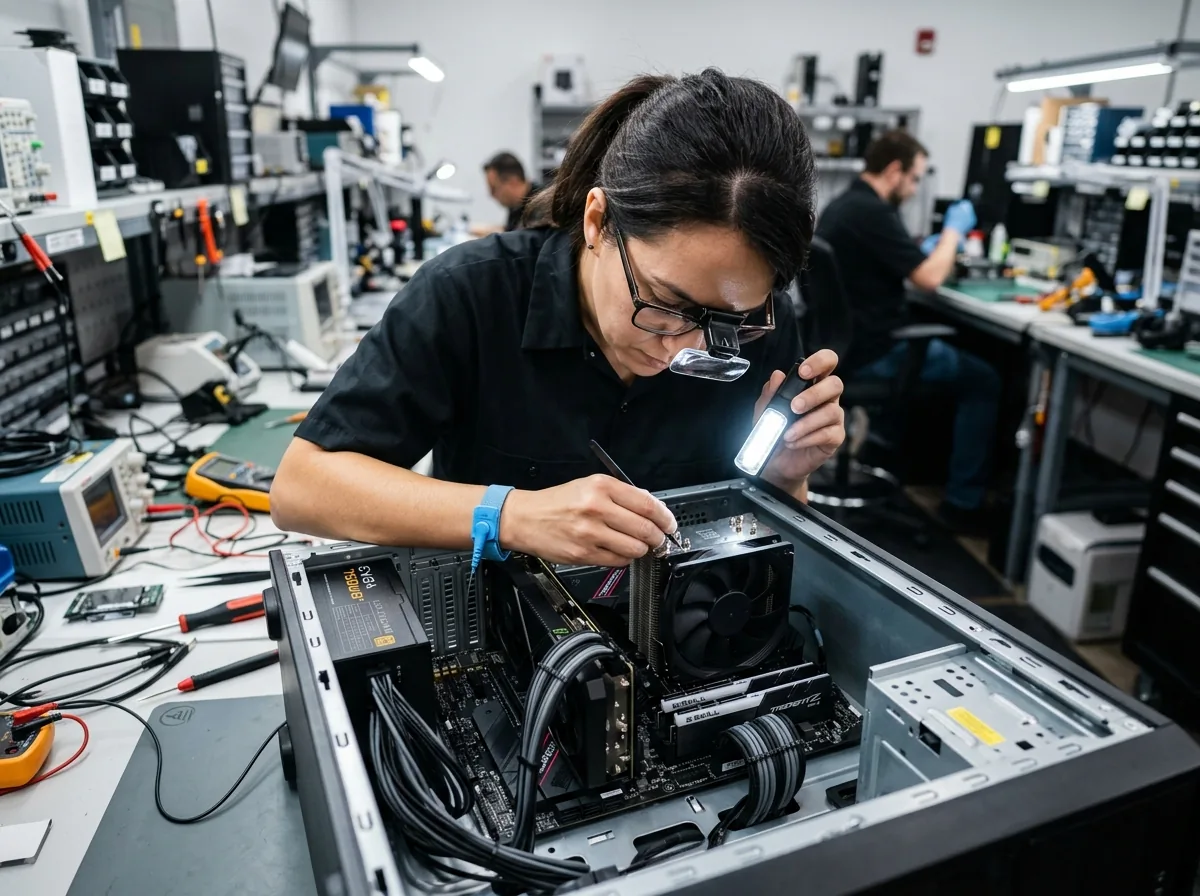
Identify the Problem Before Replacing Components
Replacing a component without identifying the cause may not resolve the original problem. A computer that shuts down unexpectedly, for example, could have a power, cooling, hardware or software-related issue.
A diagnostic assessment helps narrow down the possible causes and informs the next step. Once the findings are understood, the appropriate repair or replacement can be discussed.
Hardware Diagnostics
Focuses on investigating symptoms and narrowing down possible component or system faults.
Book a Diagnostic Assessment →Repair or Replacement
Addresses the identified fault through an appropriate repair, component replacement or further specialist service, subject to feasibility and parts availability. Explore our dedicated computer hardware replacement options.
Explore Hardware Replacement →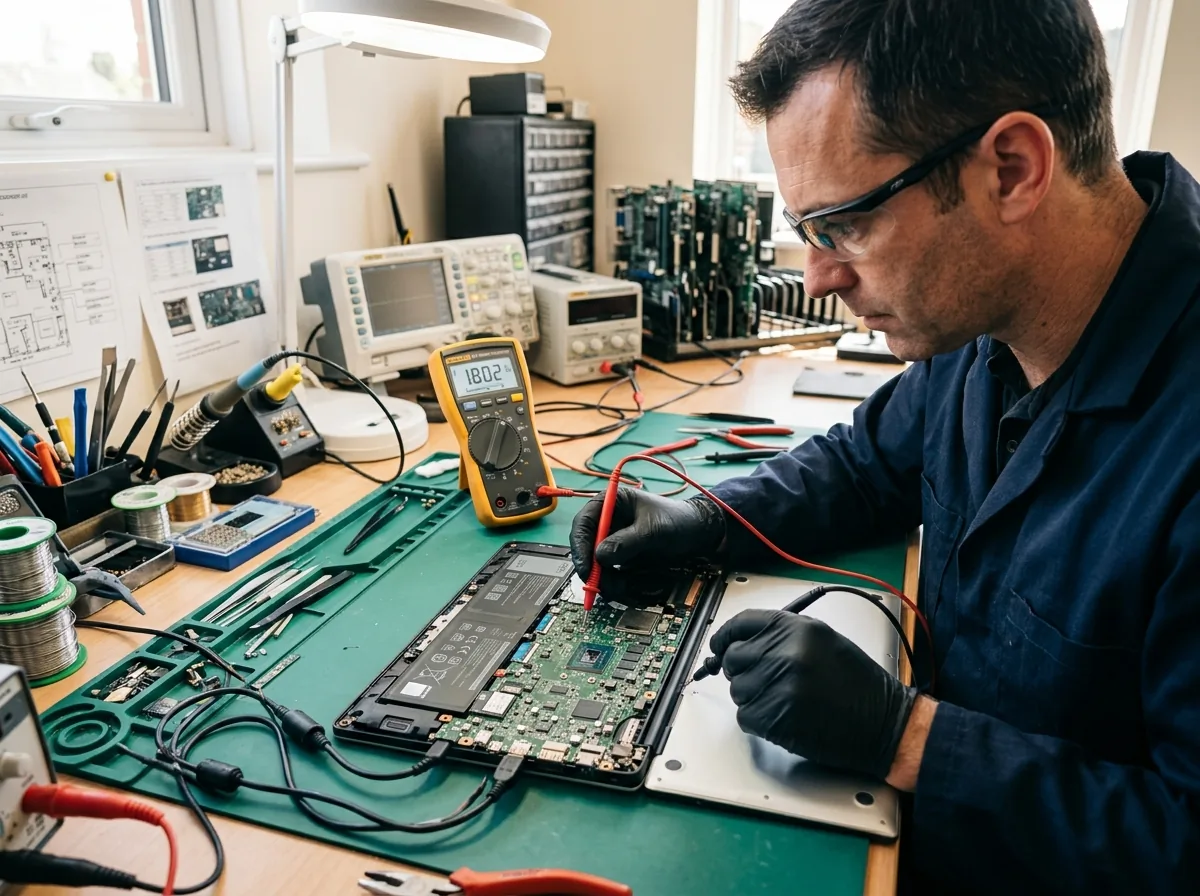
We do not imply that diagnosis always identifies every fault immediately or guarantees a successful repair.
Our Computer Hardware Diagnostic Process
Follow our four-step diagnostic workflow designed to isolate symptoms, identify potential causes, and outline clear next steps.
Describe the Symptoms
Share the device type, model, error messages and details about when the problem occurs.
Assess the Device
Review the symptoms and perform relevant checks based on the device and reported issue.
Explain the Findings
Communicate the identified or suspected cause, including any limitations or additional checks required.
Discuss the Next Step
Recommend an appropriate repair, component replacement, maintenance service or further assessment.
Note: We do not promise a fixed diagnostic duration, guaranteed identification of every fault or free diagnosis unless these are verified business policies.
Computer Diagnostic Support in Hyderabad
Precision diagnostics and engineering heritage supporting individual and enterprise computing in Hyderabad.
Established Hyderabad Heritage Since 1992
An established Hyderabad business with a history dating back to 1992, consistent with existing company information.
Multi-Platform Hardware Service Support
Hardware service support for laptops, desktops and workstations across major hardware platforms.
Assessment Preceding Any Replacement
Assessment before recommending repairs or replacement components to prevent unnecessary part swaps.
Evidence-Based Diagnostic Guidance
Recommendations based on symptoms and diagnostic findings rather than assumptions.
Individual & Enterprise IT Diagnostics
Support for individual customers and business IT requirements across Hyderabad.
Frequently Asked Questions
Clear, honest answers about computer hardware diagnostics, symptom investigation, and fault detection in Hyderabad.
Computer hardware diagnostics involves assessing a computer's symptoms and checking relevant components to narrow down the possible cause of a problem. It helps determine whether a repair, replacement or further assessment may be needed.
Consider an assessment if your computer repeatedly shuts down, fails to start, overheats, freezes, makes unusual noises or shows unexplained hardware-related problems. These symptoms can have multiple causes, so diagnosis is important before choosing a repair.
Cache Technology provides hardware service support for supported laptops, desktop computers and workstations. The appropriate checks depend on the device, its configuration and the symptoms reported.
Diagnosis and repair are different steps. The assessment helps identify or narrow down the possible cause, while the required repair or component replacement depends on the findings and should be confirmed separately.
Contact Cache Technology through the existing enquiry form, online booking and enquiry form. Share your device model and a clear description of the problem so the team can discuss the appropriate next step.
Visit CACHE Technology in Hyderabad
Find our service location in Begumpet, Hyderabad. Contact our team for assistance with repairs, diagnostics, and IT hardware support.
CACHE Technology Diagnostic Center
Related Computer Repair & Technical Services
Explore dedicated technical disciplines across component repair, maintenance, and hardware replacements in Hyderabad.