
Battery & Power Repair in Hyderabad
Is your laptop battery draining quickly, refusing to charge or losing power unexpectedly? Cache Technology provides battery, charging and power-related diagnostics for supported laptops, desktop computers and workstations. From battery replacement to charging-port and power-supply troubleshooting, we help identify the issue and recommend a suitable solution.
Need comprehensive computer diagnostics? Explore our Laptop Repair in Hyderabad or Desktop Computer Repair options.
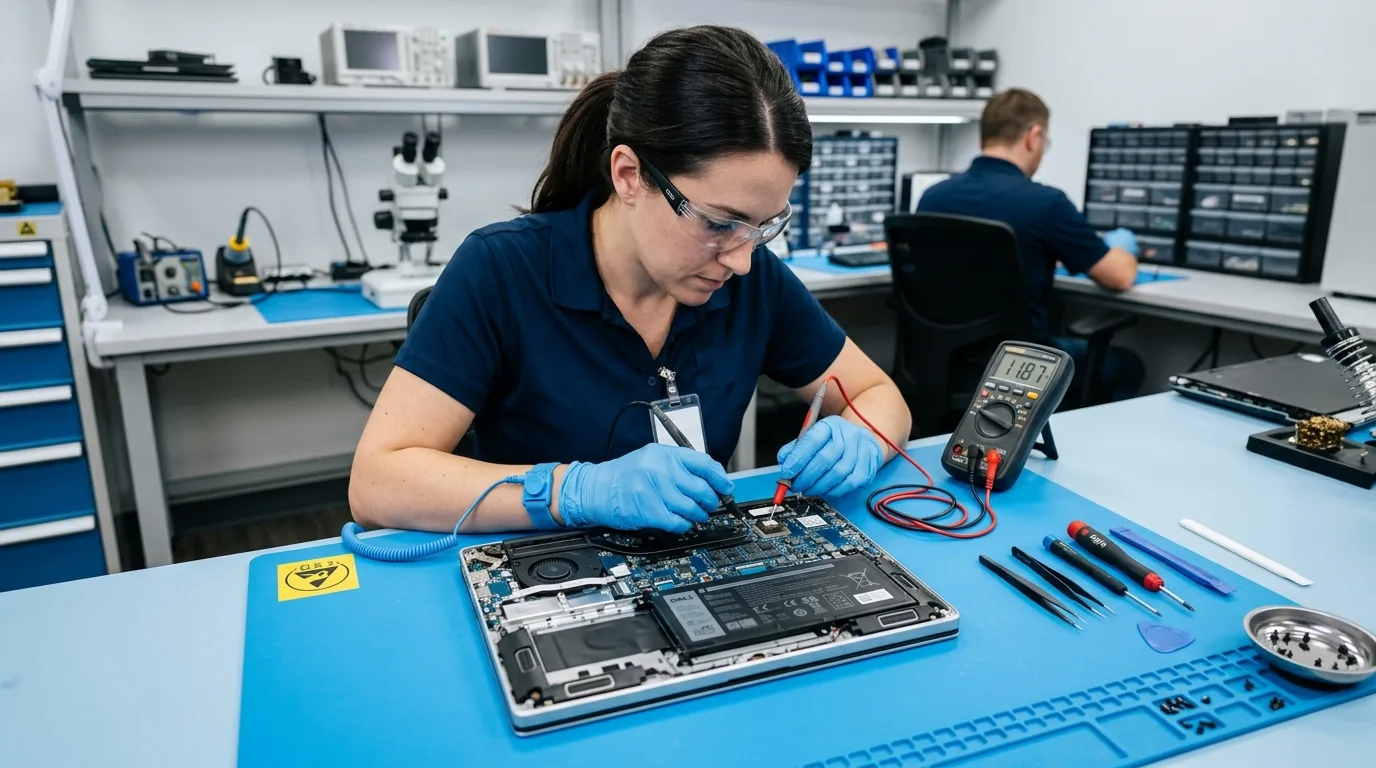
Battery, Charging & Power Repair Services
Battery and power issues can affect a computer's reliability, portability and everyday performance. A device that will not charge or switches off unexpectedly may have a battery problem, a faulty adapter, a damaged charging port, a power-supply fault or another hardware issue. Diagnosis helps determine the appropriate next step.
Laptop Battery Replacement
If your laptop battery drains quickly, holds less charge than before or cannot power the device reliably, a battery assessment can help determine whether replacement is appropriate.
The replacement battery must be compatible with the device model and available for supply.
Book a Battery Assessment →Laptop Charging Port & DC Jack Repair
A loose charging connection, damaged port or intermittent power supply can prevent a laptop from charging correctly. The charging port, adapter and related connections may need inspection to identify the cause.
Explore Hardware Repair →Laptop Charging & Power Diagnostics
For laptops that will not charge, fail to recognise the adapter or lose power unexpectedly, diagnosis may include checking the adapter, battery, charging connection and related power circuits.
Book a Repair →Desktop & Workstation Power Supply Issues
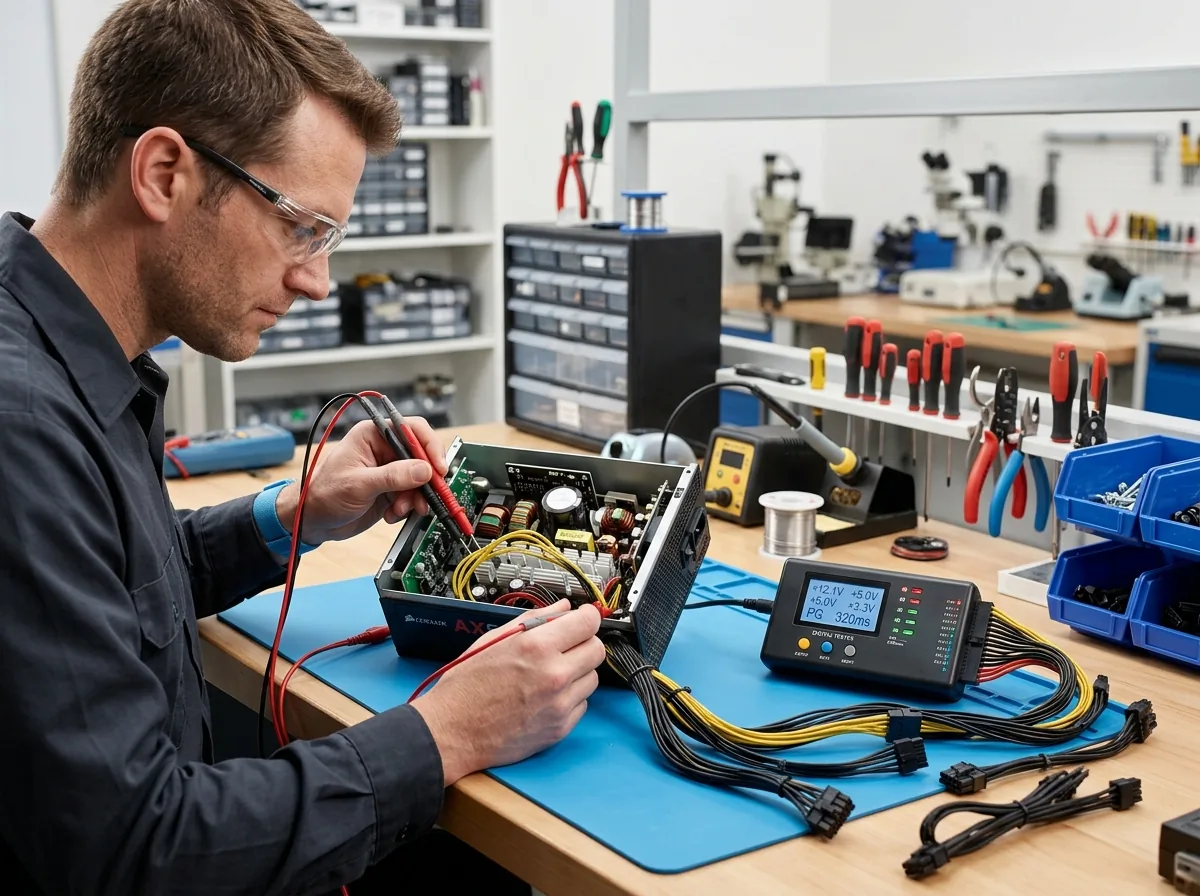
Desktop computers and workstations may experience startup failures, unexpected shutdowns or power-related faults. Diagnosis can help determine whether the issue involves the power supply unit (PSU), connections or another component.
Explore Desktop Repair →Common Battery and Power Issues We Help Diagnose
Power-related symptoms can have several causes. Identifying the source of the problem helps avoid unnecessary part replacement and supports a more suitable repair recommendation.
Battery Draining Quickly
The laptop loses charge much faster than expected or provides less usable battery time than before.
Laptop Not Charging
The battery percentage does not increase when the charger is connected, or the charging indicator does not respond as expected.
Unexpected Shutdowns
The computer switches off unexpectedly, potentially due to battery health, power delivery, overheating or another hardware issue.
Loose or Damaged Charging Port
The charging connection feels loose, appears damaged or works intermittently.
Laptop Not Turning On
The device does not start or respond to the power button. The cause may involve the charger, battery, power circuitry or another component.
Desktop or Workstation Power Failure
The system fails to start, loses power or shuts down unexpectedly, requiring inspection of the PSU and other relevant hardware.
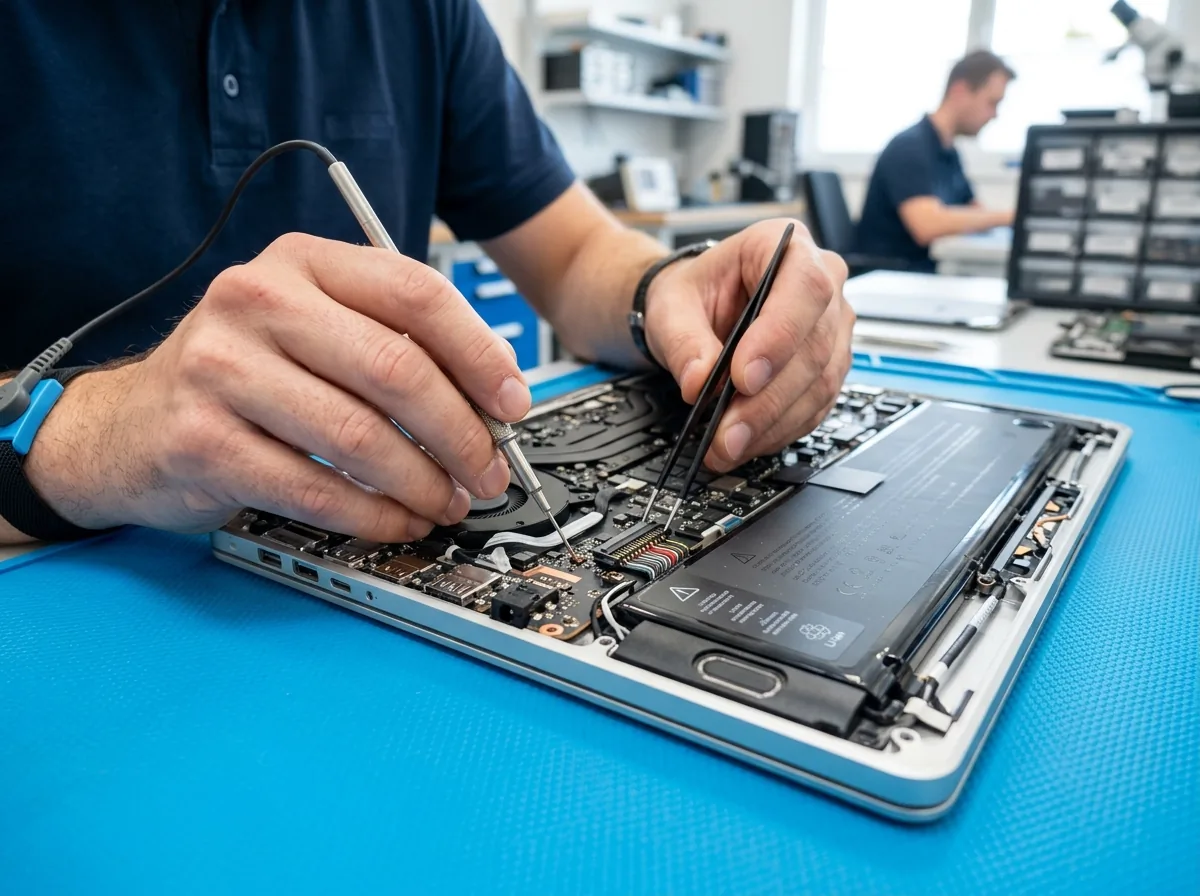
Finding the Right Solution for Your Device
Not every charging problem requires a new battery. A worn battery may need replacement, while a faulty charger, damaged charging port, loose connection or internal power fault may require a different repair.
For desktop computers and workstations, power problems may involve the power supply unit, cables, connections or other internal components.
Cache Technology can assess the reported symptoms and recommend the appropriate next step based on the diagnosis, device model, compatibility and component availability.
Our Battery & Power Repair Process
We follow a proven four-step diagnostic procedure to verify battery condition, power input, and charging efficiency.
Share the Symptoms
Tell us the device type, model and what happens when you connect the charger or turn the computer on.
Diagnose the Issue
Check the relevant battery, adapter, charging connection, power supply or associated components as appropriate.
Recommend the Repair
Explain the suitable repair or replacement option based on the diagnosis and parts availability.
Repair & Verify
Complete the agreed work and carry out relevant checks to confirm the device's charging or power functionality.
Reliable Computer Battery & Power Support
With technical experience dating back to 1992 in Hyderabad, Cache Technology delivers trustworthy hardware evaluation and battery support.
Frequently Asked Questions
Common questions answered regarding laptop battery replacement, power diagnosis and pricing in Hyderabad.
A laptop battery may need replacement if it drains unusually quickly, holds significantly less charge than before or cannot power the device reliably. A battery assessment can help determine whether replacement is appropriate.
Possible causes include a faulty adapter, worn battery, damaged charging port, connection problem or internal power-circuit fault. The device should be checked to identify the actual cause before replacing any component.
Cache Technology can assess supported laptop charging-port and power-connection problems. The appropriate repair depends on the port design, the extent of the damage, device compatibility and component availability.
Yes, Cache Technology handles computer hardware service requirements across supported desktop and workstation systems. Power-related diagnosis may include checking the power supply unit, connections and other components to identify the fault.
The cost depends on the device model, the cause of the problem, the components required and whether repair or replacement is appropriate. Contact Cache Technology with your device details to discuss the assessment and applicable cost.
Visit CACHE Technology in Hyderabad
Find our service location in Begumpet, Hyderabad. Contact our team for assistance with repairs, diagnostics, and IT hardware support.
CACHE Technology Diagnostic Center
Related Technical & Hardware Services
Cache Technology provides specialized hardware servicing across computing and display devices throughout Hyderabad.