
Operating System Installation in Hyderabad
Need to install or reinstall your computer's operating system? Cache Technology provides operating system installation assistance for supported laptops, desktops and workstations. We help assess device compatibility, installation requirements and the appropriate setup before proceeding.
Facing software or startup issues after installation? We also assist with software & driver troubleshooting, BIOS & boot troubleshooting, and complete data recovery services.
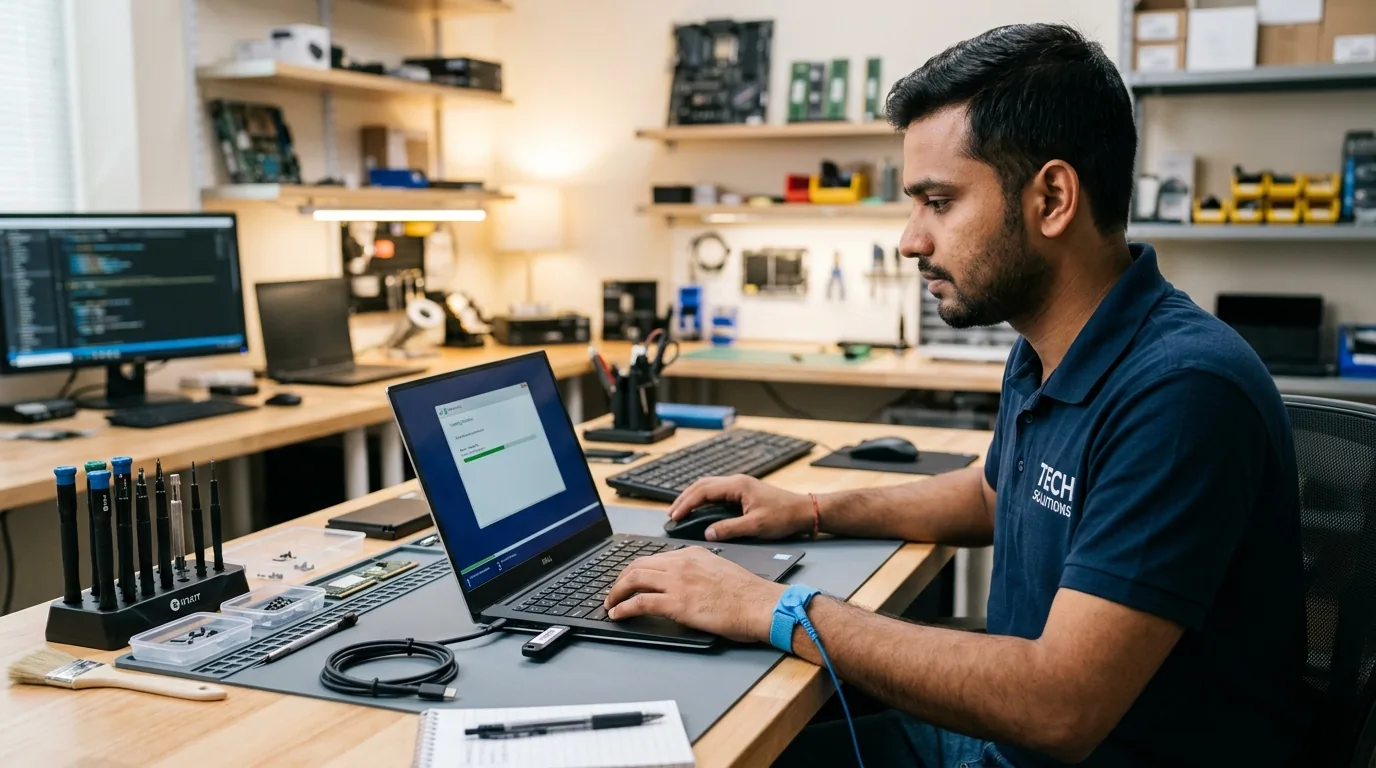
Operating System Installation for Laptops & Desktops
A correctly configured operating system helps your computer run its supported software and hardware. Installation requirements depend on the device specifications, licence, drivers and software compatibility.
Windows Installation
Assistance with installing a compatible Windows operating system on supported devices, subject to system requirements and applicable licensing.
Book an Installation →Operating System Reinstallation
Reinstallation assistance when an existing operating system needs to be reinstalled. Data and application backup requirements should be discussed before work begins.
Enquire About Backup First →Driver Setup and Hardware Configuration
Assistance with compatible drivers and relevant device configuration following installation.
Explore Driver Support →Initial System Setup
Help with essential setup steps and basic configuration based on the device and the agreed service scope.
Check Boot Setup →Common Reasons for Operating System Installation
A clean operating system installation can address software degradation or complete a new hardware configuration. Not every startup or performance problem requires reinstallation—diagnostics help identify the right path.
Reinstalling an operating system after persistent software problems.
Setting up a supported computer for the first time.
Reinstalling after storage replacement.
Resolving an operating system that no longer starts correctly.
Preparing a computer for a new user.
Setting up a compatible system after a hardware change.
Prepare Your Computer for Installation
Follow these essential steps before initiating an operating system installation or upgrade.
- Confirm device model and operating system compatibility.
- Check software licensing and activation requirements.
- Discuss important files and backup requirements.
- Identify applications or drivers that may need reinstalling.
- Confirm the intended operating system and installation scope.
Important Note: Data Preservation Notice: We do not promise that existing data will always be preserved. Installation or formatting can erase data, depending on the procedure. Always discuss backup options before work begins.
Our Operating System Installation Process
A methodical four-step procedure ensuring clean deployment, valid licensing, and verified hardware operation.
Device Assessment
Check the model and installation requirements.
Installation Planning
Confirm the operating system and data considerations.
Installation and Configuration
Complete the agreed installation.
Verification
Check startup, relevant drivers and basic functionality.
Frequently Asked Questions
Verified answers about windows installation in hyderabad, service procedures, and technical considerations.
Cache Technology provides operating system installation assistance for supported laptops, desktop computers and workstations. Availability depends on device compatibility, software requirements and the agreed service scope.
Some reinstall methods may preserve files, while others can erase data. The outcome depends on the installation method and the device's condition. Back up important files before proceeding, and discuss data preservation requirements in advance.
Windows activation and licensing requirements depend on the device and the licence associated with it. Confirm the available licence and activation status before installation. Cache Technology should not promise licence activation unless the requirements are satisfied.
Relevant compatible drivers may be installed as part of the agreed setup. The exact requirements depend on the device model, operating system and driver availability.
Contact Cache Technology through the existing enquiry form, online booking and enquiry form. Share your device model and installation requirements so the appropriate service can be discussed.
Visit CACHE Technology in Hyderabad
Find our service location in Begumpet, Hyderabad. Contact our team for assistance with repairs, diagnostics, and IT hardware support.
CACHE Technology Diagnostic Center
Related Technical & Hardware Services
Explore connected technical disciplines across software, security, data protection, and hardware diagnostics in Hyderabad.