
BIOS & Boot Troubleshooting in Hyderabad
Does your computer get stuck during startup, show a boot-device error or fail to load its operating system? Cache Technology helps assess BIOS configuration and boot-related problems on supported laptops, desktops and workstations. We investigate the symptoms and recommend appropriate troubleshooting based on the device and its configuration.
Boot problems may relate to storage, OS, or motherboard circuitry. Learn more about our operating system installation, motherboard chip-level repair, and data recovery.
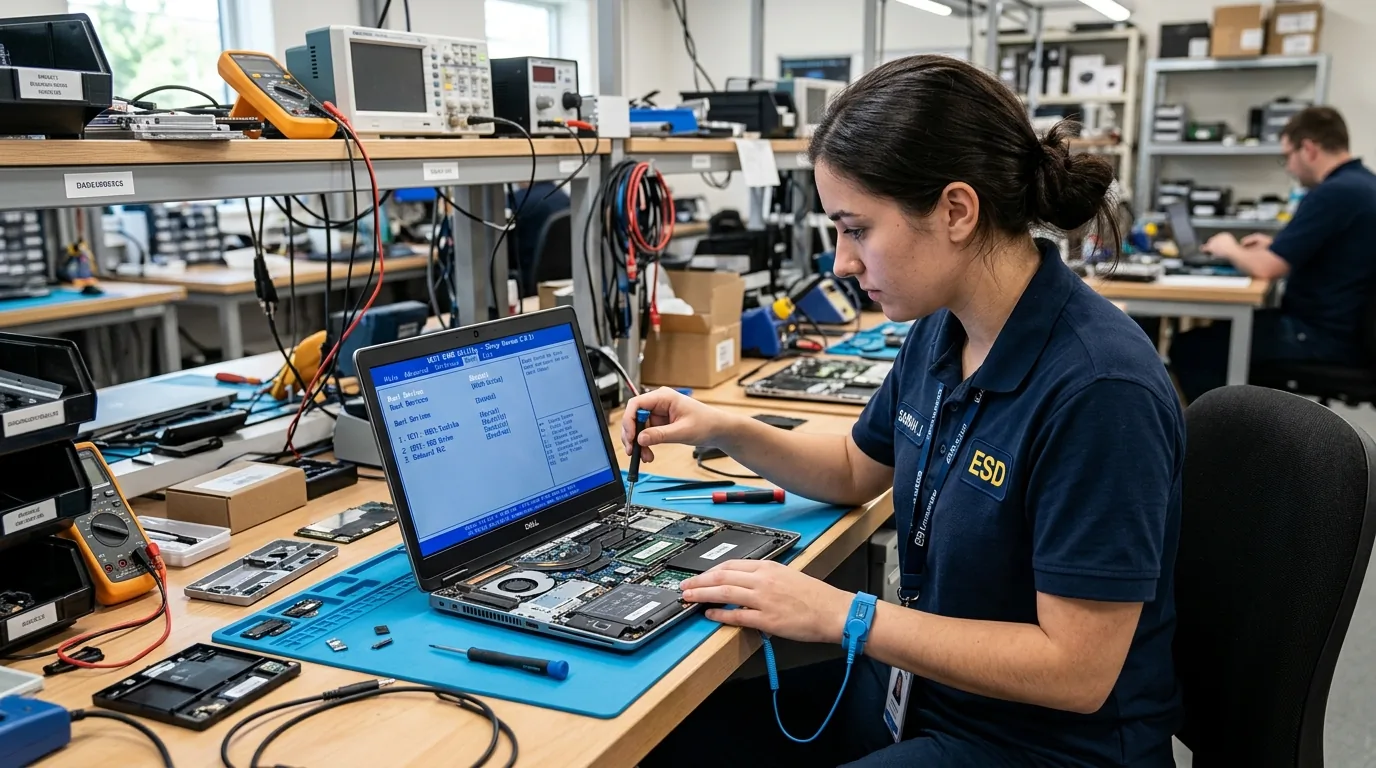
BIOS & Boot Support
Methodical troubleshooting for computers that power on but cannot reach the operating system desktop.
Startup Failure Troubleshooting
Assess computers that fail to complete startup, get stuck during boot or restart unexpectedly.
Troubleshoot Startup →BIOS Configuration Assistance
Help review relevant BIOS or UEFI settings when they may be associated with the reported issue.
Check BIOS Settings →Boot Device Error Assessment
Investigate supported systems showing messages such as a missing boot device or startup drive not detected.
Evaluate Storage Drive →Operating System Boot Troubleshooting
Assess problems where the device powers on but fails to load the installed operating system.
Explore OS Reinstall →Common Boot Problems
Boot issues can originate in BIOS settings, corrupted boot sectors, failed SSDs, or motherboard chip failure.
Computer stuck on the startup screen or brand logo.
System displays "Boot Device Not Found" or "No Bootable Media".
Operating system fails to load after initial BIOS power-on.
Computer repeatedly restarts during startup before reaching Windows.
BIOS or UEFI settings appear incorrect or reset after power-off.
Computer does not detect the expected boot drive in setup.
Important Precautions During Boot Troubleshooting
Guidelines to prevent accidental storage formatting or CMOS corruption during startup diagnosis.
- Avoid force-flashing unofficial BIOS updates which can brick the motherboard firmware chip.
- Do not disable Secure Boot or change storage controller modes without understanding OS implications.
- Check if the CMOS clock battery has depleted causing BIOS settings to reset on every restart.
- Ensure a reliable power supply is connected during any firmware inspection.
- Consult diagnostic professionals if burning smells or abnormal motherboard clicks are observed.
Important Note: Safety & Firmware Note: Changing BIOS settings or reinstalling an operating system can affect system behaviour or stored data. Back up important data when possible before risky troubleshooting steps.
Our Troubleshooting Process
A four-phase diagnostic approach from initial symptom isolation to verified system startup.
Identify the Startup Symptom
Record error messages and recent changes.
Assess BIOS and Boot Configuration
Review relevant settings and system behaviour.
Investigate the Cause
Determine whether further software or hardware diagnostics are needed.
Verify Startup
Check that the device starts correctly after the agreed work.
Frequently Asked Questions
Verified answers about laptop boot problem repair in hyderabad, service procedures, and technical considerations.
A laptop may fail to boot because of a storage problem, incorrect boot configuration, operating-system corruption, firmware settings or another hardware fault. An assessment helps narrow down the possible cause before a repair is recommended.
It generally means that the system cannot find a suitable device from which to start. Possible causes include storage detection issues, incorrect boot settings or a problem with the drive or operating system. The exact cause requires assessment.
Yes, certain BIOS or UEFI settings can affect startup, but not every boot failure is caused by firmware configuration. Changes should be made carefully based on the device model and the symptoms.
Some troubleshooting steps do not affect personal files, but formatting, reinstalling an operating system or performing certain storage repairs can cause data loss. Back up important files where possible and discuss data-related risks before proceeding.
Contact Cache Technology through the existing enquiry form, online booking and enquiry form. Share the device model and any startup error messages so the appropriate troubleshooting can be discussed.
Visit CACHE Technology in Hyderabad
Find our service location in Begumpet, Hyderabad. Contact our team for assistance with repairs, diagnostics, and IT hardware support.
CACHE Technology Diagnostic Center
Related Technical & Hardware Services
Explore connected technical disciplines across software, security, data protection, and hardware diagnostics in Hyderabad.