
Computer Software & Driver Troubleshooting in Hyderabad
Experiencing software errors, driver conflicts, devices that are not recognised or applications that stop working correctly? Cache Technology helps troubleshoot software and driver-related problems on supported laptops, desktops and workstations, with recommendations based on the symptoms and system configuration.
Facing deeper system issues? Explore our operating system installation, antivirus installation & support, or BIOS & boot troubleshooting.
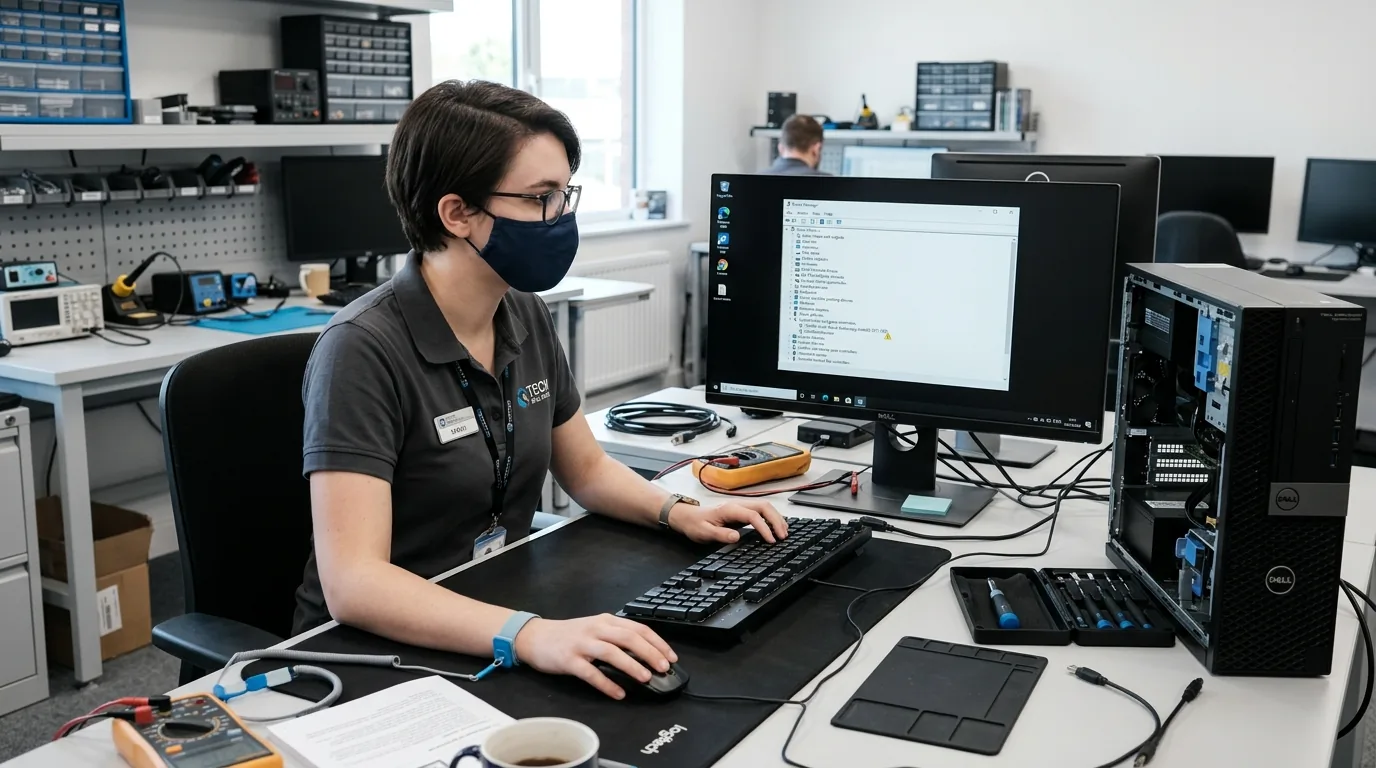
Software & Driver Support Services
Targeted troubleshooting across application conflicts, device recognition, audio/graphics drivers, and operating environment configurations.
Software Error Troubleshooting
Help investigate application errors, unexpected crashes and configuration problems.
Enquire for Troubleshooting →Device Driver Troubleshooting
Assess driver-related problems that may affect audio, networking, graphics, printers and other supported hardware.
Check Driver Compatibility →Software Compatibility Checks
Investigate compatibility issues between supported applications, operating systems and device configurations.
Explore OS Options →System Configuration Support
Help with relevant settings, startup applications and software configuration where appropriate.
Explore Boot Settings →Common Software & Driver Problems
Recognising recurring error behaviors helps determine whether software troubleshooting or deeper hardware evaluation is necessary.
Applications crashing or failing to open.
Devices not recognised correctly.
Audio, networking or graphics problems that may involve drivers.
Software installation errors.
Repeated system errors following a software change.
Configuration issues affecting normal use.
Preparing for Software Troubleshooting
To expedite problem identification, gathering key symptom details assists our technical team.
- Note down exact error codes or take screenshots of dialog boxes.
- Identify recent software installations, driver updates or operating system changes.
- Check whether connected devices function on alternative ports.
- Confirm critical files are backed up prior to in-depth system repairs.
- List the specific applications and workflows experiencing disruption.
Important Note: Safety & Data Notice: Many troubleshooting steps do not require deleting personal files, but some repairs, resets or reinstallations can affect data. Back up important files when possible and discuss any data-related risks before proceeding.
Our Troubleshooting Process
A structured 4-step diagnostic approach to isolate software conflicts, test driver responses, and verify operational stability.
Understand the Error
Gather symptoms and any error messages.
Assess the System
Check relevant software, settings and drivers.
Identify Possible Causes
Narrow down the issue and determine suitable next steps.
Verify the Result
Check the affected function after the agreed troubleshooting.
Frequently Asked Questions
Verified answers about computer software troubleshooting in hyderabad, service procedures, and technical considerations.
Cache Technology can assess supported computer software problems, including application errors, configuration issues, installation problems and certain system-related errors. The appropriate troubleshooting depends on the symptoms and device configuration.
A device may not be recognised because of driver problems, connection issues, compatibility limitations, incorrect settings or a hardware fault. The cause should be assessed before deciding whether software troubleshooting or hardware repair is needed.
Cache Technology can assist with relevant compatible drivers and configuration issues on supported devices. The correct driver depends on the device model, hardware component and operating system.
Many troubleshooting steps do not require deleting personal files, but some repairs, resets or reinstallations can affect data. Back up important files when possible and discuss any data-related risks before proceeding.
Contact Cache Technology through the existing enquiry form, online booking and enquiry form. Describe the problem and share any relevant error message so the team can discuss the appropriate next step.
Visit CACHE Technology in Hyderabad
Find our service location in Begumpet, Hyderabad. Contact our team for assistance with repairs, diagnostics, and IT hardware support.
CACHE Technology Diagnostic Center
Related Technical & Hardware Services
Explore connected technical disciplines across software, security, data protection, and hardware diagnostics in Hyderabad.