Installing computers and printers in a business environment requires the right setup for the equipment, workplace and intended use. Devices may need initial configuration, driver installation, connection setup and testing before they are ready for day-to-day use.
Cache Technology helps businesses discuss installation and setup for supported desktop computers, workstations, printers and related peripherals. The scope is confirmed according to the equipment, installation requirements and services agreed with your organisation.
Corporate Desktops & LaserJets
Driver Setup & Verification
A business computer installation should account for the device, intended use and workplace setup. Cache Technology can discuss installation and initial setup for supported desktop computers and workstations based on the requirements of your organisation.
Installation and initial setup of supported desktop computers.
Setup of supported workstation equipment for business and professional use.
Initial configuration according to the agreed installation requirements.
Check the installed device and confirm the agreed setup requirements before handover.
Note: Software licences, operating-system licences, data migration or advanced network integration depend on the confirmed agreement.
Printers are important workplace devices, and their installation should account for the printer model, intended use and required connection method. Cache Technology can discuss installation and initial setup for supported business printers according to the agreed service scope.
Install and set up supported printers for workplace use.
Install appropriate printer drivers where required and included in the agreed scope.
Set up supported USB or network connections where applicable.
Perform an initial test to check the agreed installation requirements.
Note: Complex network configuration, print-server deployment or fleet-management software are subject to separate agreement.
We support initial physical placement, driver setup, connectivity and testing across commercial business computing and imaging devices.
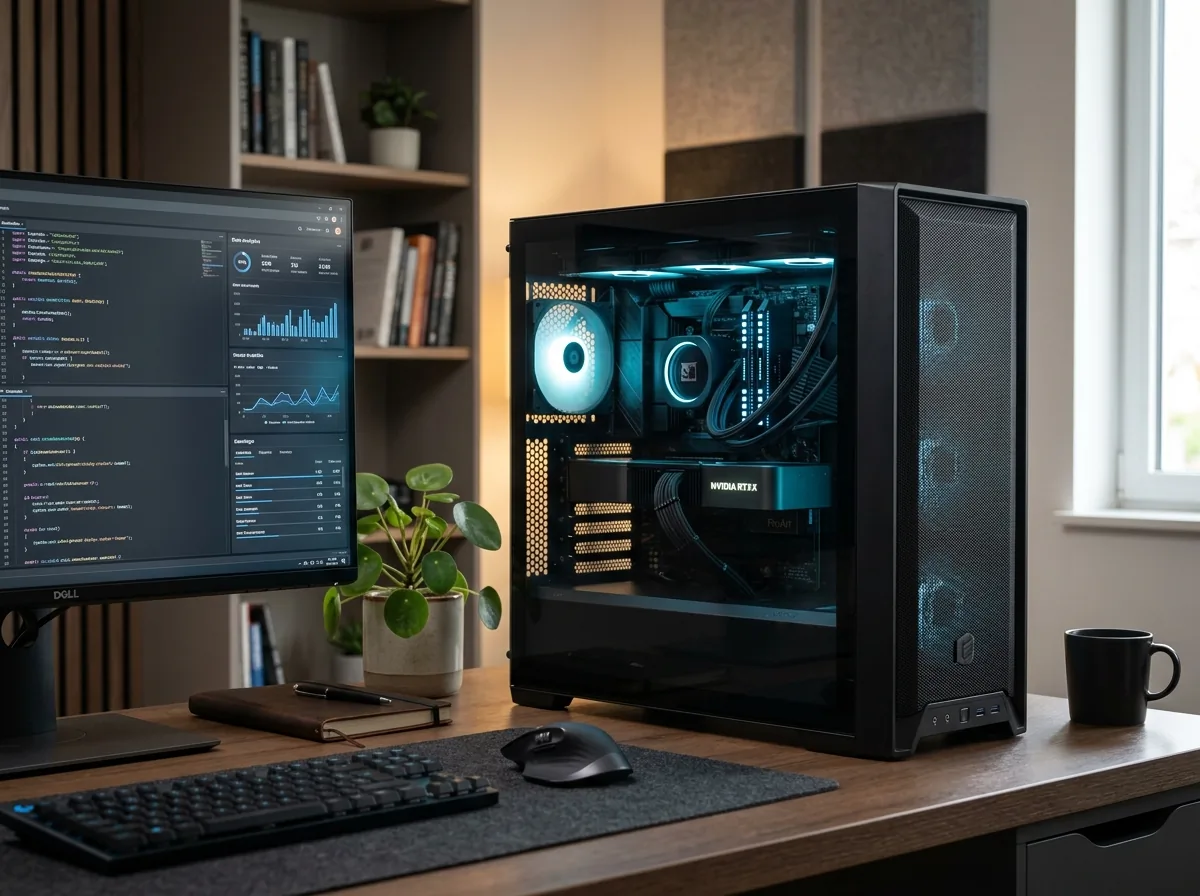
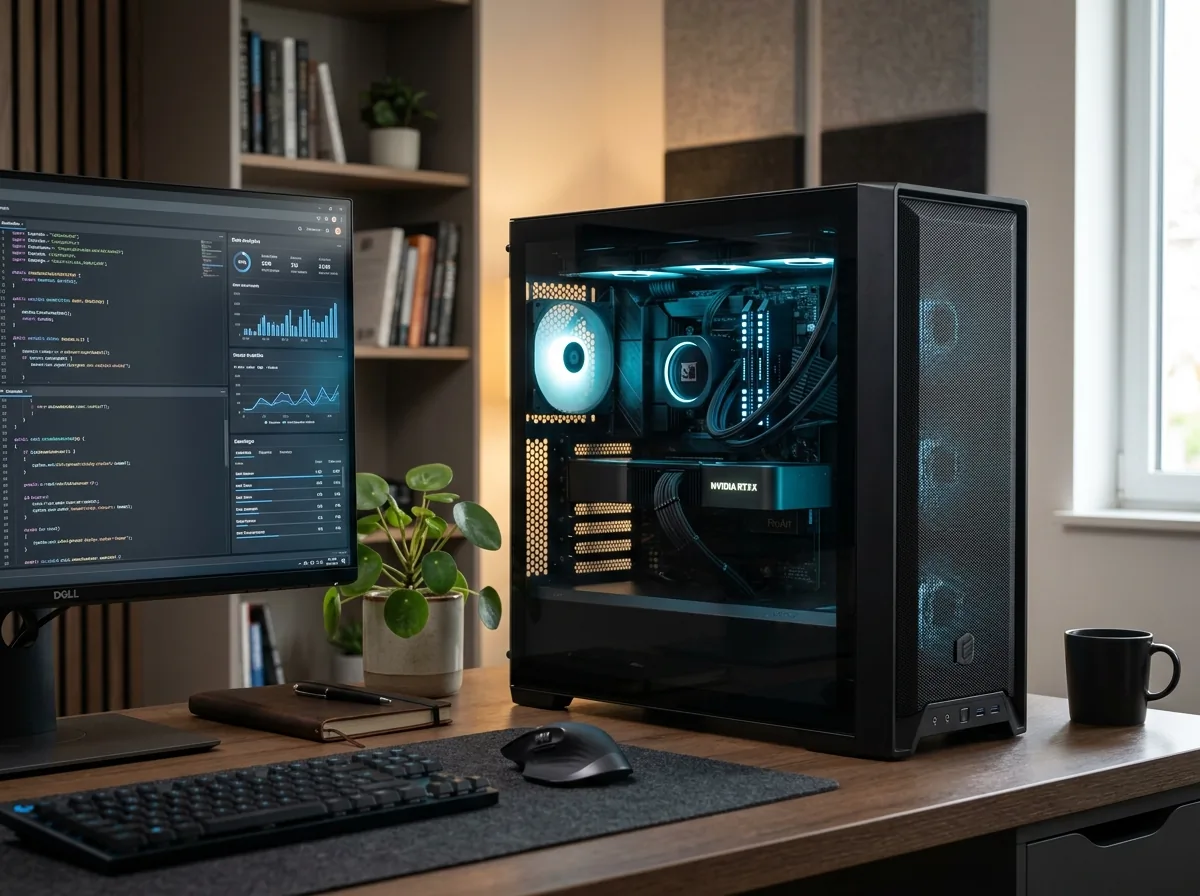
Installation and initial setup of supported business desktops.
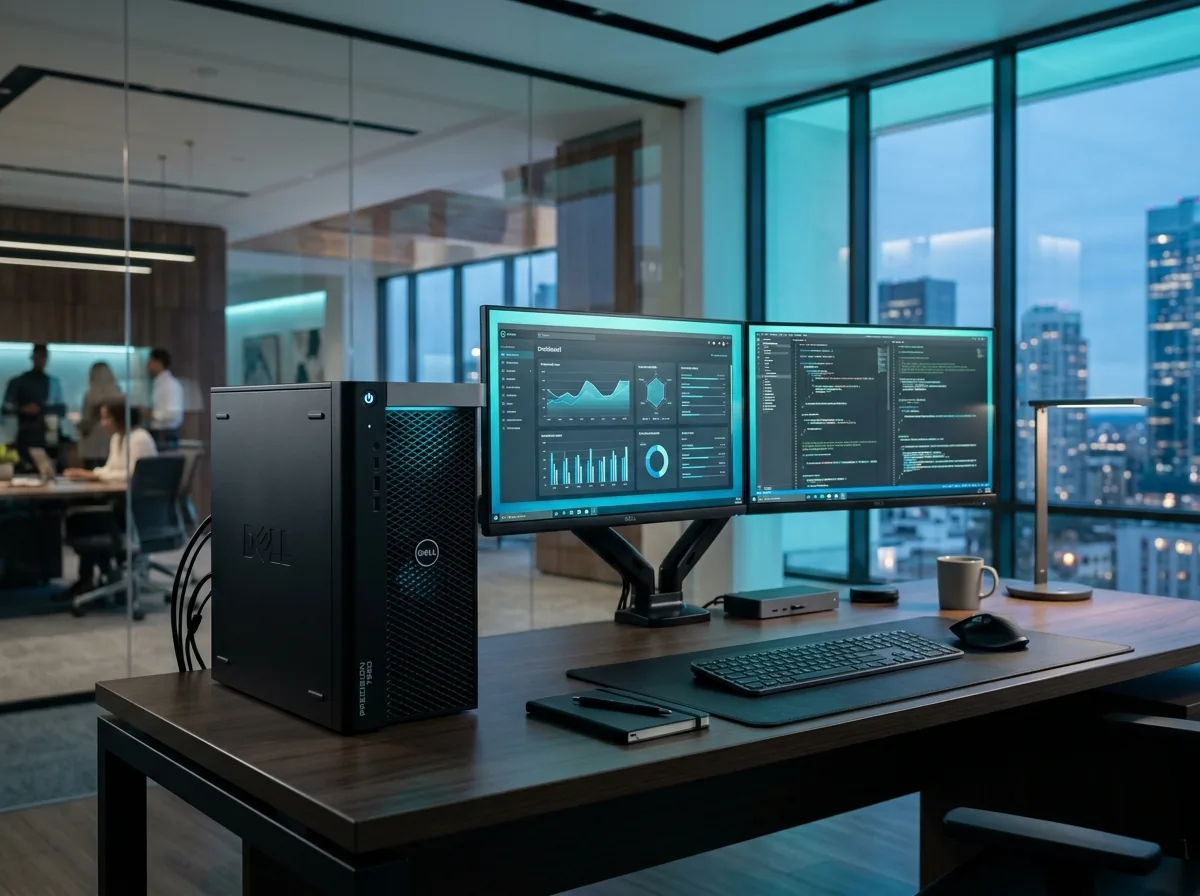
Installation of supported workstation equipment.
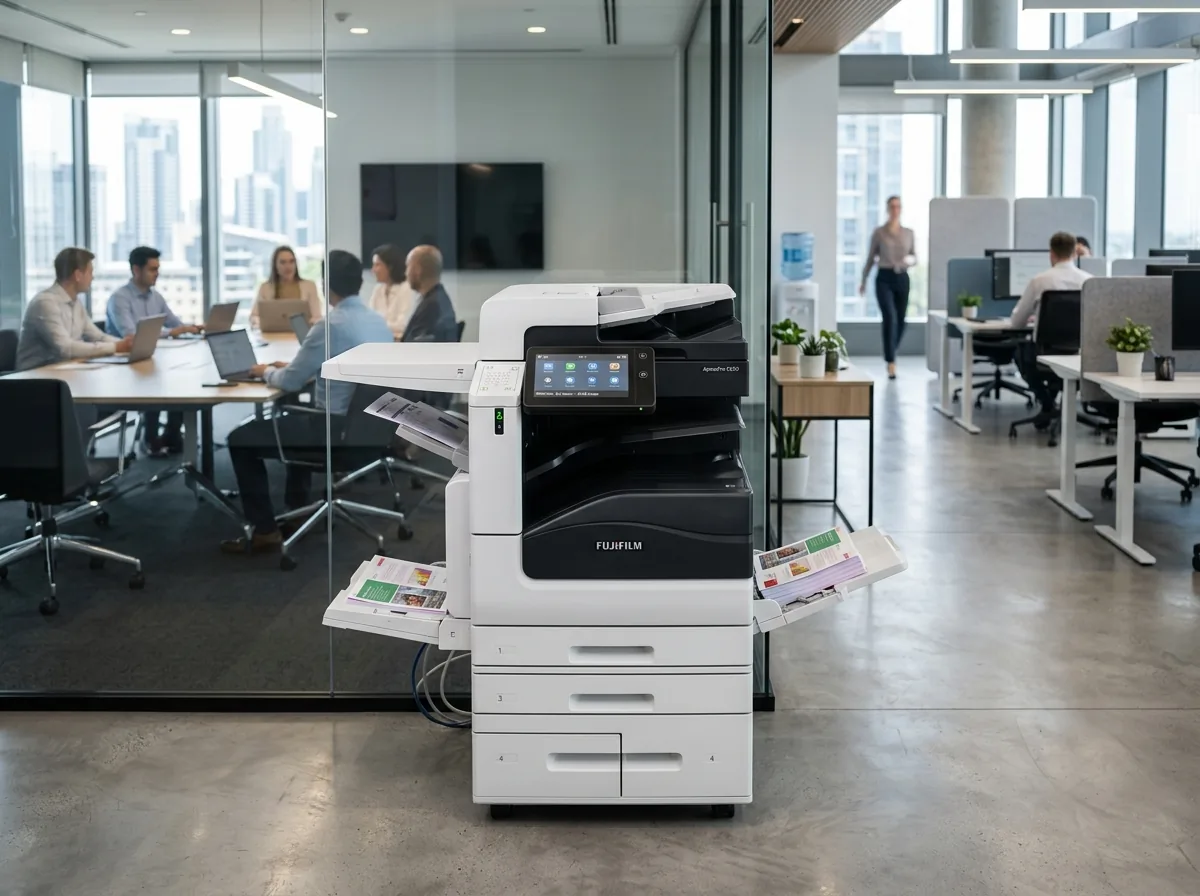
Installation and setup of supported office printers.
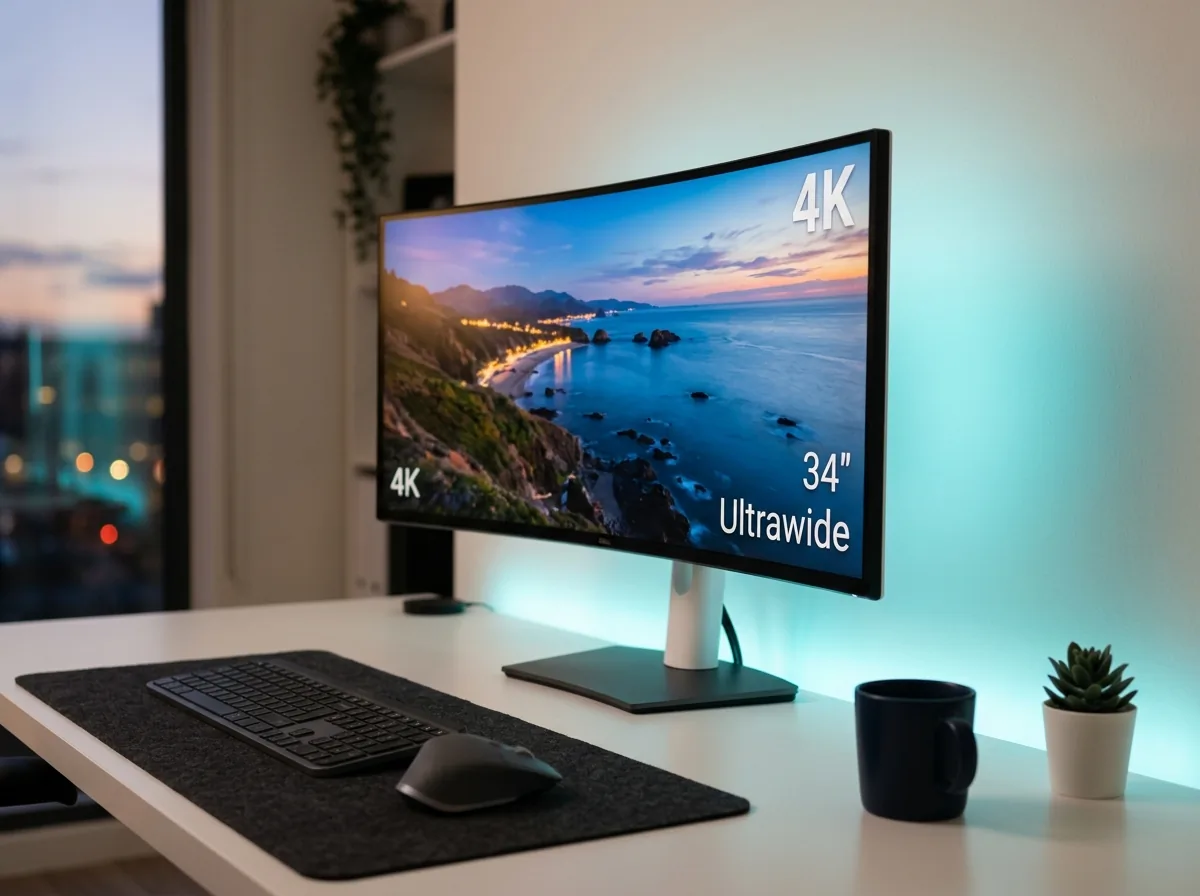
Connection and setup of supported monitors and related peripherals where included in the agreed scope.
A clear four-stage engagement model guarantees that devices are thoroughly verified, drivers properly installed and handovers completed professionally.
Tell us the equipment models, quantities, installation location and required setup.
Review the installation tasks, connection requirements and any dependencies.
Carry out the agreed installation and initial setup.
Check the devices against the agreed requirements and identify any outstanding issues.
Whether setting up new desks or retiring obsolete hardware, we coordinate computer and printing rollouts to fit your team's operational rhythm.
Plan the installation of computers and printers for a new workplace.
Set up additional computers and related equipment as teams expand.
Arrange installation and initial setup when an existing printer is replaced.
Coordinate the installation of supported replacement computers and printers.
Providing these details ahead of time allows our technical team to prepare required drivers, verify connectivity parameters and ensure a smooth setup.
Note: Confirming these details helps establish the installation scope before work is scheduled.
Find clear answers regarding hardware brands, printer driver installation, multi-device setups and scheduling.
Cache Technology can discuss installation and initial setup for supported desktop computers and workstations based on the equipment, location and agreed requirements.
Printer installation and initial setup for supported devices can be discussed according to the printer model, connection requirements and agreed scope.
Driver installation can be included where required and agreed as part of the installation scope. Confirm the requirements before scheduling.
Multiple-device installation requirements can be discussed based on device quantities, site requirements and the work involved.
Network configuration is not automatically included. Explain the connection requirements so the scope can be confirmed before work begins.
Share the device models, quantities, location and setup requirements with Cache Technology to discuss an appropriate installation arrangement.
Find our service location in Begumpet, Hyderabad. Contact our team for assistance with repairs, diagnostics, and IT hardware support.
Tell us about your computers, printers and installation requirements. Cache Technology can discuss the appropriate installation and initial setup for your business.