
Virus & Malware Troubleshooting in Hyderabad
Unexpected pop-ups, suspicious applications, browser redirects or unusual computer behaviour can indicate a security problem, although other causes are possible. Cache Technology helps assess suspected virus and malware issues and recommends appropriate troubleshooting steps for supported computers.
Worried about stored files or needing prevention? Explore our data recovery services, backup & data transfer assistance, and antivirus installation & support.
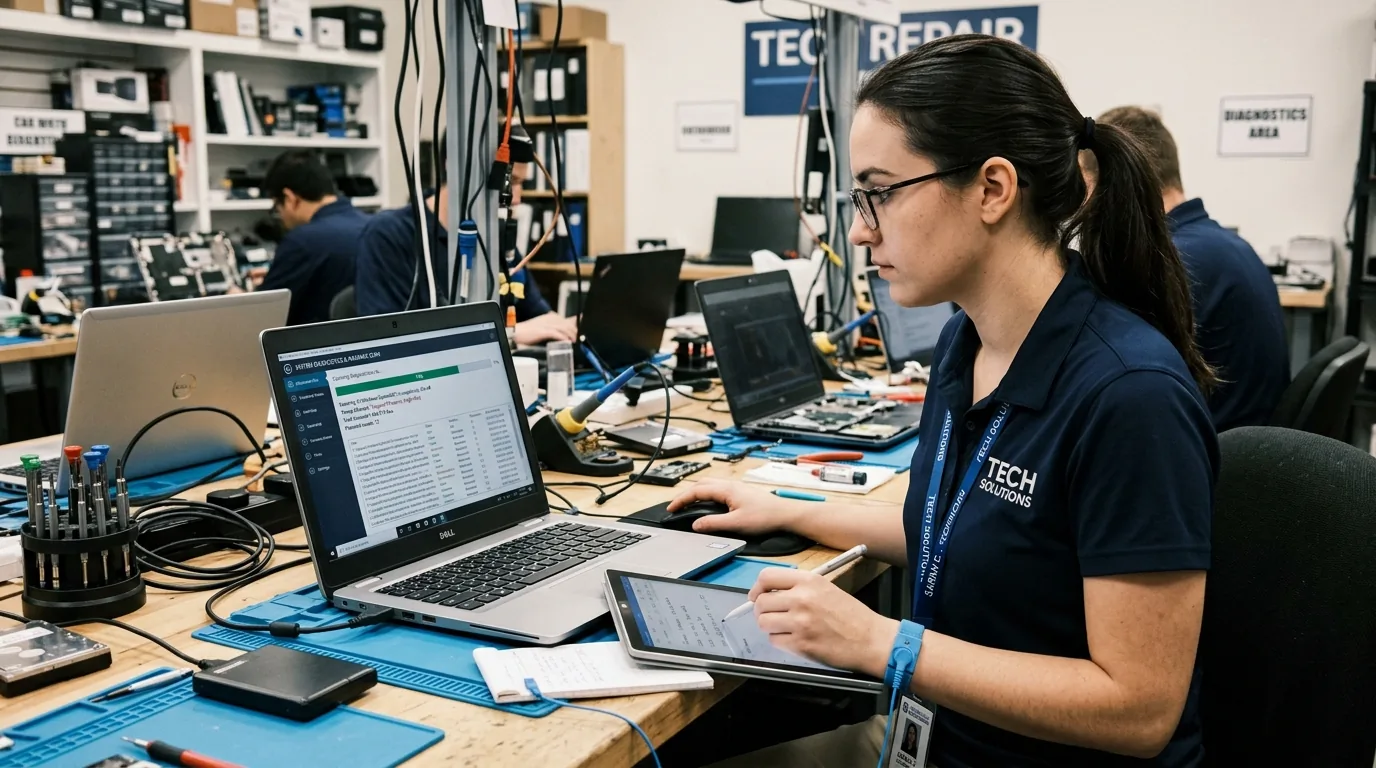
Virus & Malware Troubleshooting Services
Help investigate symptoms that may indicate malicious software or unwanted applications, restoring normal system operation where technically feasible.
Malware and Virus Assessment
Help investigate symptoms that may indicate malicious software or unwanted applications.
Request an Assessment →Suspicious Pop-up and Browser Troubleshooting
Assess repeated pop-ups, unexpected redirects and browser behaviour that may be associated with unwanted software.
Resolve Browser Issues →Security Scan and Removal Assistance
Where supported and technically feasible, assist with appropriate security scans and removal steps using compatible security tools.
Configure Protection →Post-Incident Security Checks
Review relevant settings, updates and security configuration after the troubleshooting work.
Backup Clean System →Possible Signs of Malware
Recognising signs of unwanted software activity can help prevent data compromise. No single symptom confirms malware, but multiple signs warrant inspection.
Repeated unexpected pop-ups during browsing or desktop use.
Browser redirects or unfamiliar extensions altering your homepage.
Unknown applications or processes consuming heavy system resources.
Unusual security warnings or deactivated system protections.
Unexpected changes to browser settings, proxies, or DNS.
Unexplained system behaviour or sudden performance changes.
Immediate Security Actions If Compromise Is Suspected
Follow these protective measures when encountering aggressive alerts or suspicious activity.
- Avoid clicking on aggressive pop-ups claiming immediate system infection.
- Do not enter sensitive financial or personal credentials on unfamiliar web forms.
- Disconnect from local networks or Wi-Fi if suspicious background transfers occur.
- Use a secondary, trusted device to change important account passwords if compromise is suspected.
- Seek professional evaluation before running unknown third-party cleanup utilities.
Important Note: Safety Callout: If you suspect that your computer is compromised, avoid entering sensitive information on suspicious pages. If you suspect active account compromise, use a trusted device to secure important accounts.
Our Troubleshooting Process
A cautious four-stage remediation methodology to isolate unwanted software and verify device behaviour.
Understand the Symptoms
Record the behaviour and any alerts.
Assess the Device
Check relevant security and software indicators.
Perform Appropriate Troubleshooting
Use suitable security tools and supported removal steps.
Review the Result
Check relevant system behaviour and discuss further precautions.
Frequently Asked Questions
Verified answers about virus removal service in hyderabad, service procedures, and technical considerations.
Repeated pop-ups, browser redirects, unfamiliar applications or unusual system behaviour may indicate malware, but these symptoms can have other causes. An appropriate security assessment helps determine the next step.
Cache Technology provides troubleshooting assistance for suspected virus and malware issues on supported computers. The appropriate steps depend on the symptoms, security findings and condition of the device.
Some malware issues can be addressed without deleting personal files, but this cannot be guaranteed for every case. The safest approach depends on the type of infection, the device's condition and the required remediation. Discuss data preservation before proceeding.
Avoid interacting with suspicious pop-ups or entering sensitive information on unfamiliar pages. If you suspect active compromise, disconnecting from a network may be appropriate in some situations, and important accounts should be secured using a trusted device. Seek appropriate assistance to assess the device.
Contact Cache Technology through the existing enquiry form, online booking and enquiry form. Describe the symptoms and any security warnings so the appropriate next step can be discussed.
Visit CACHE Technology in Hyderabad
Find our service location in Begumpet, Hyderabad. Contact our team for assistance with repairs, diagnostics, and IT hardware support.
CACHE Technology Diagnostic Center
Related Technical & Hardware Services
Explore connected technical disciplines across software, security, data protection, and hardware diagnostics in Hyderabad.